Explore Tokyo freely.
Explore Tokyo’s 23 wards, recreated with PLATEAU 3D city models. Load one ward at a time and take to the skies.
A QUIET 3D MAP PAINTING GAME

Turn Tokyo into your canvas.
Walk, fly, and leave your colors behind.
Out now · US$6.99
CONCEPT
Tokyo Canvas is a game of exploration and painting set in Tokyo’s 23 wards.
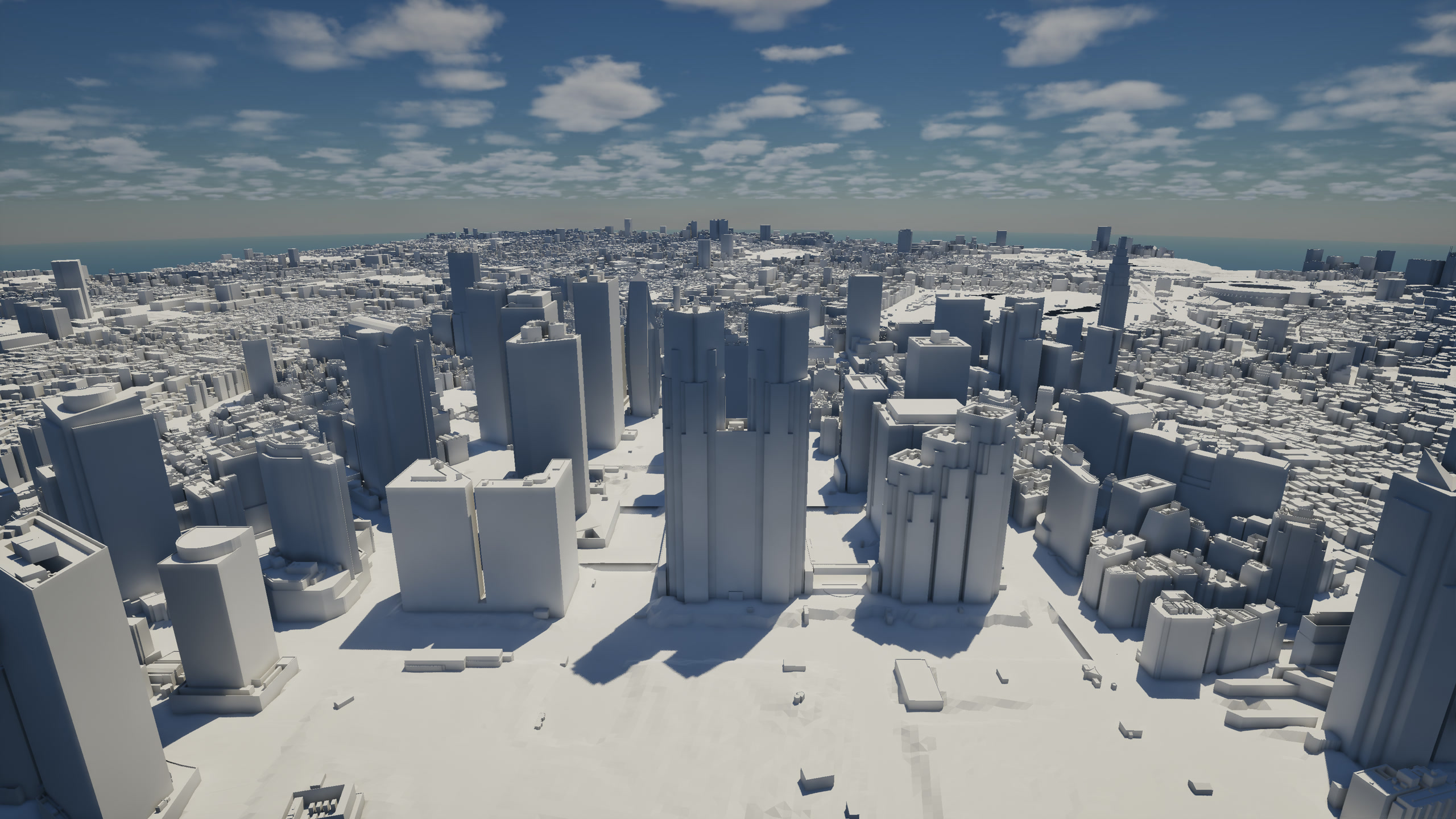
From the city’s latitude and longitude to the moon and constellations overhead, this world is based on the real Tokyo.
Explore Tokyo’s 23 wards, recreated with PLATEAU 3D city models. Load one ward at a time and take to the skies.
Use brushes, shapes, stamps, and even images. Mix and match tools across nine slots to find your own way to paint.
Share a ward and a canvas in online multiplayer for 2–4 players. Talk over voice chat as you paint together.
Stop wherever something catches your eye. Leave a little color behind. How you spend your time is up to you.
EXPLORE
Step into the shapes of the real city. Walk, fly, tilt the world, and leave your colors behind—on your own or together.
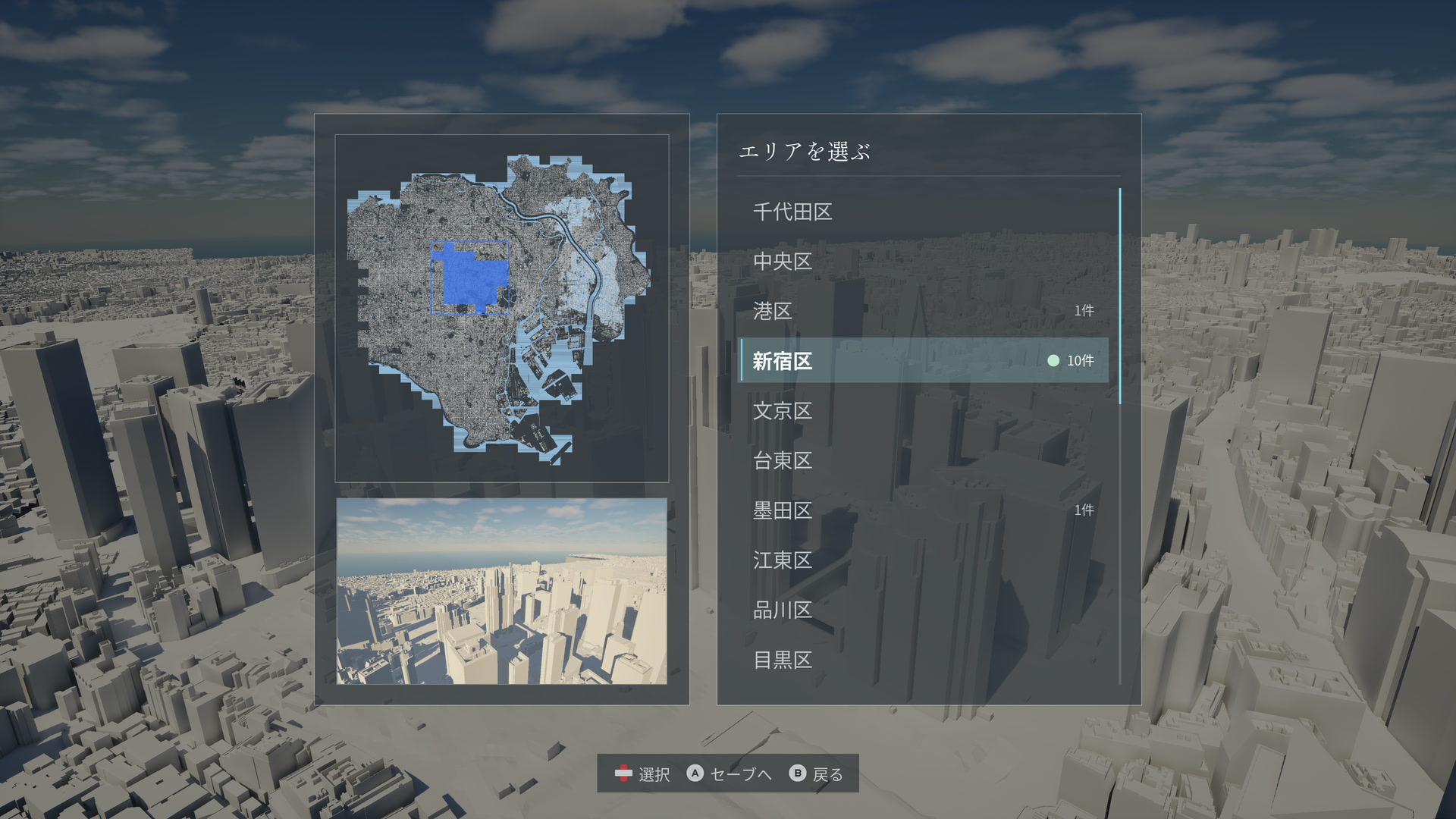
01 / CHOOSE YOUR TOKYO
Choose any of Tokyo’s 23 wards and head out. Familiar streets and places you’ve never walked can all become your canvas.
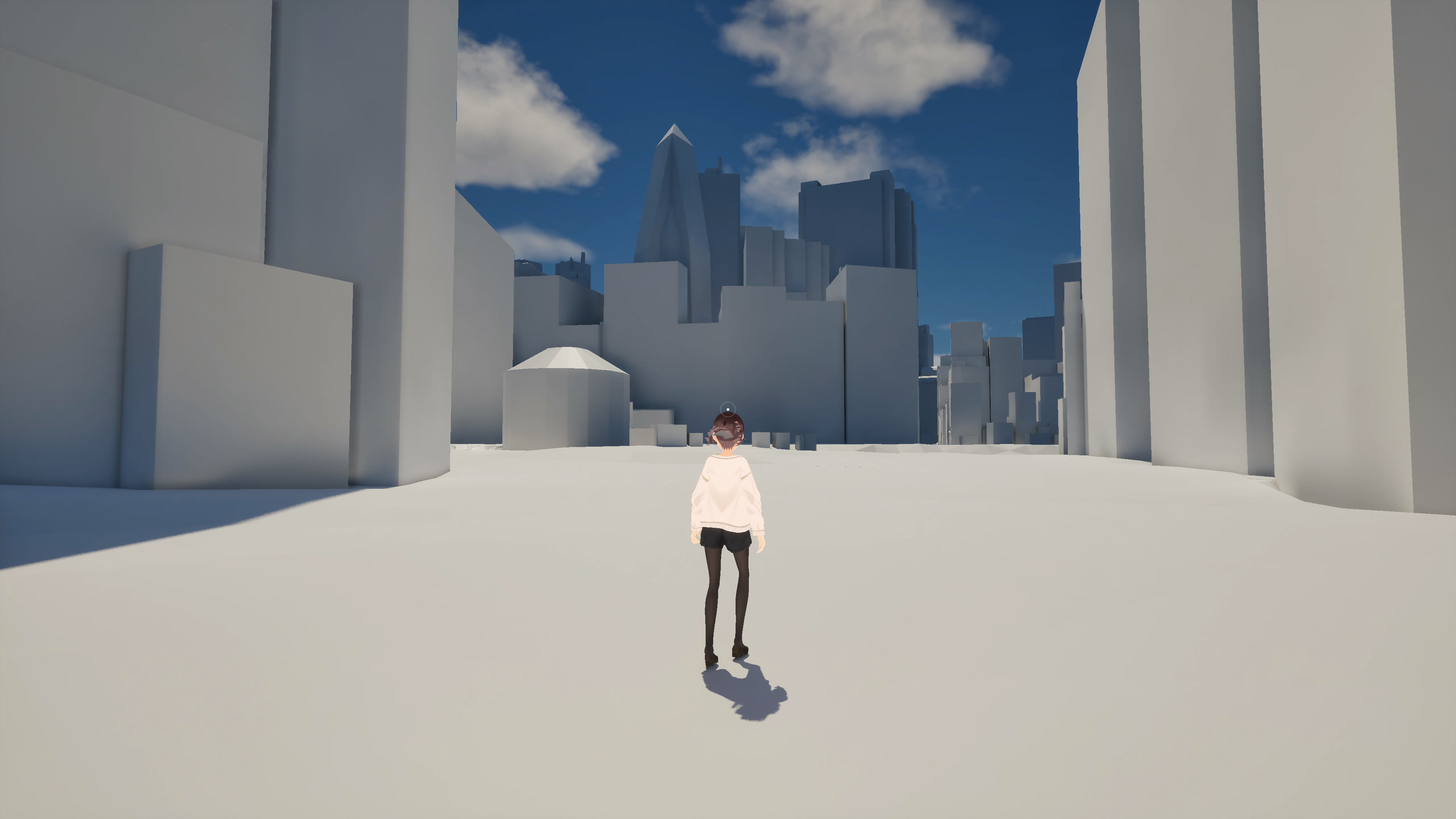
02 / WALK
Walk between skyscrapers and across rooftops on your own two feet.
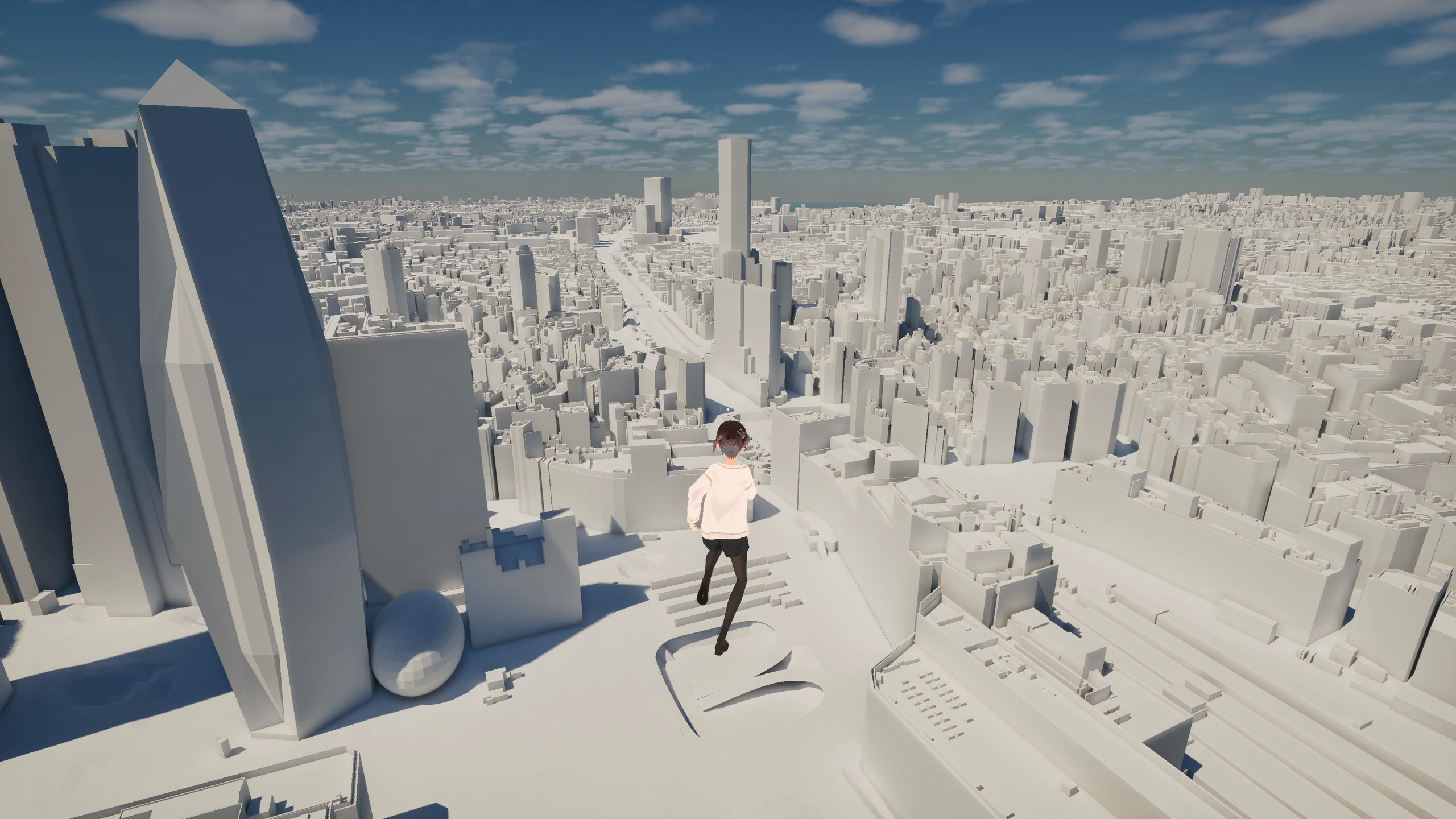
03 / FLY
Switch to flight mode and explore Tokyo’s dense cityscape freely from above.
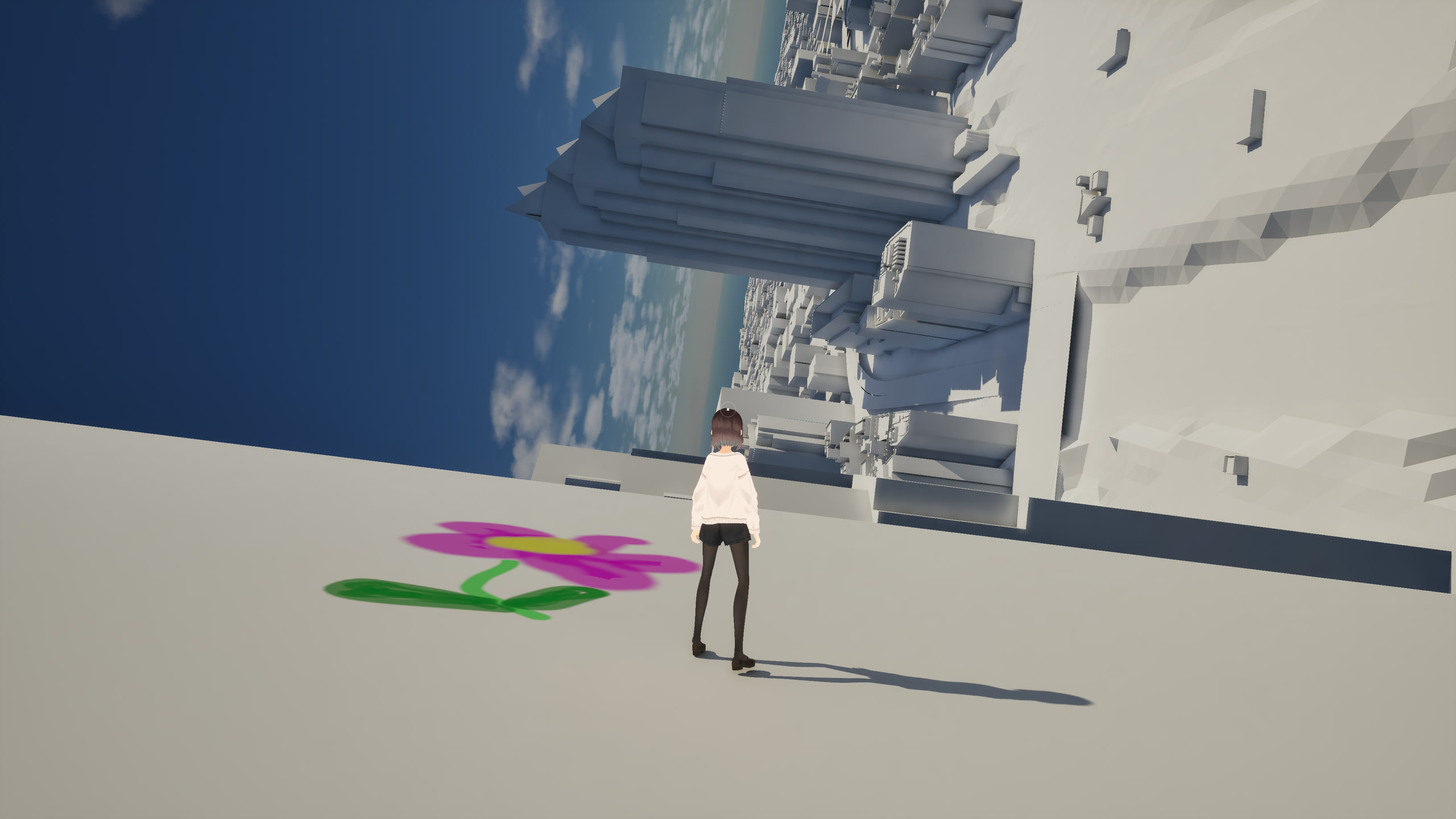
04 / GRAVITY
Point gravity where you look, and turn walls and ceilings into new ground to stand on.
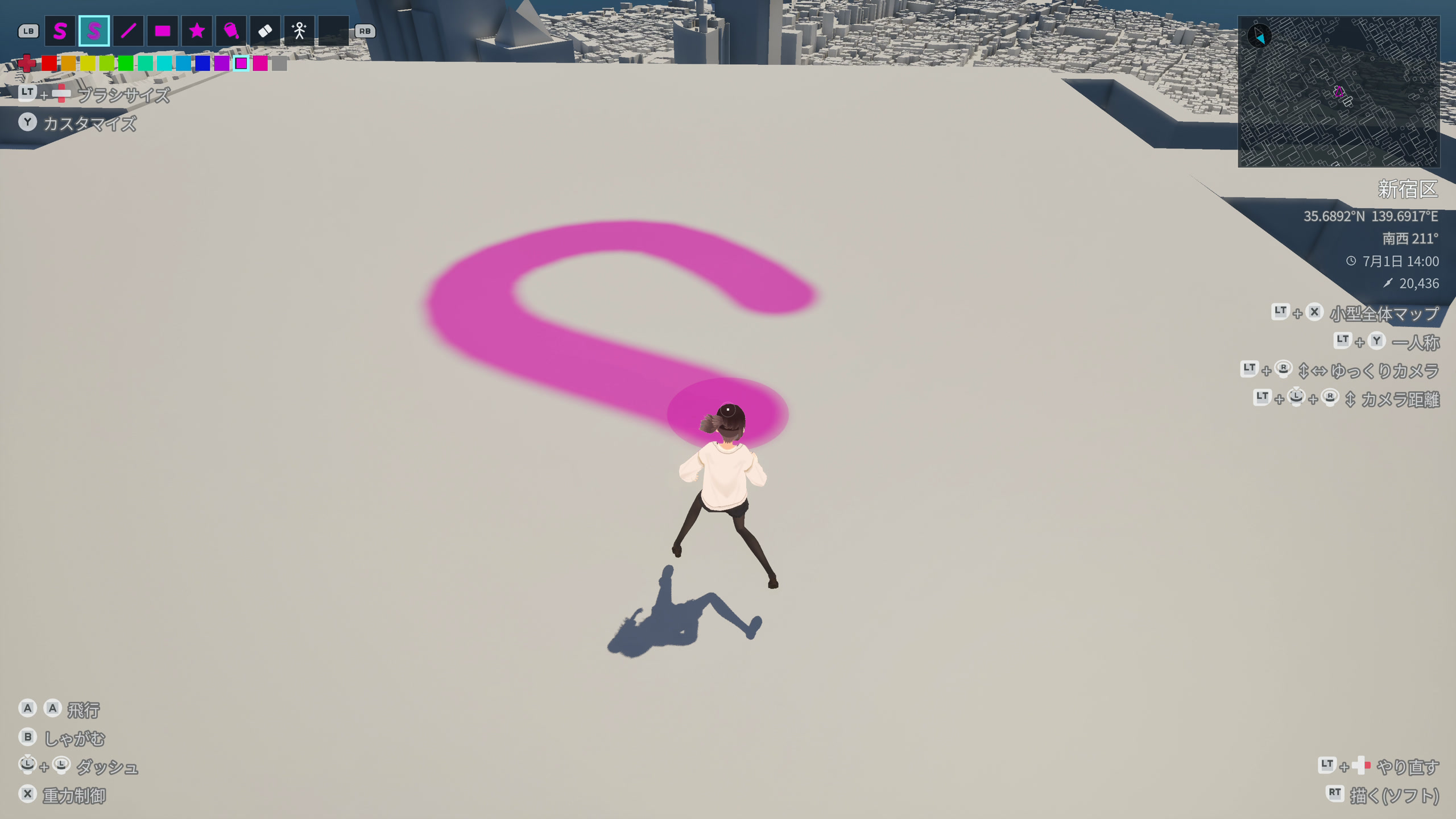
05 / PAINT
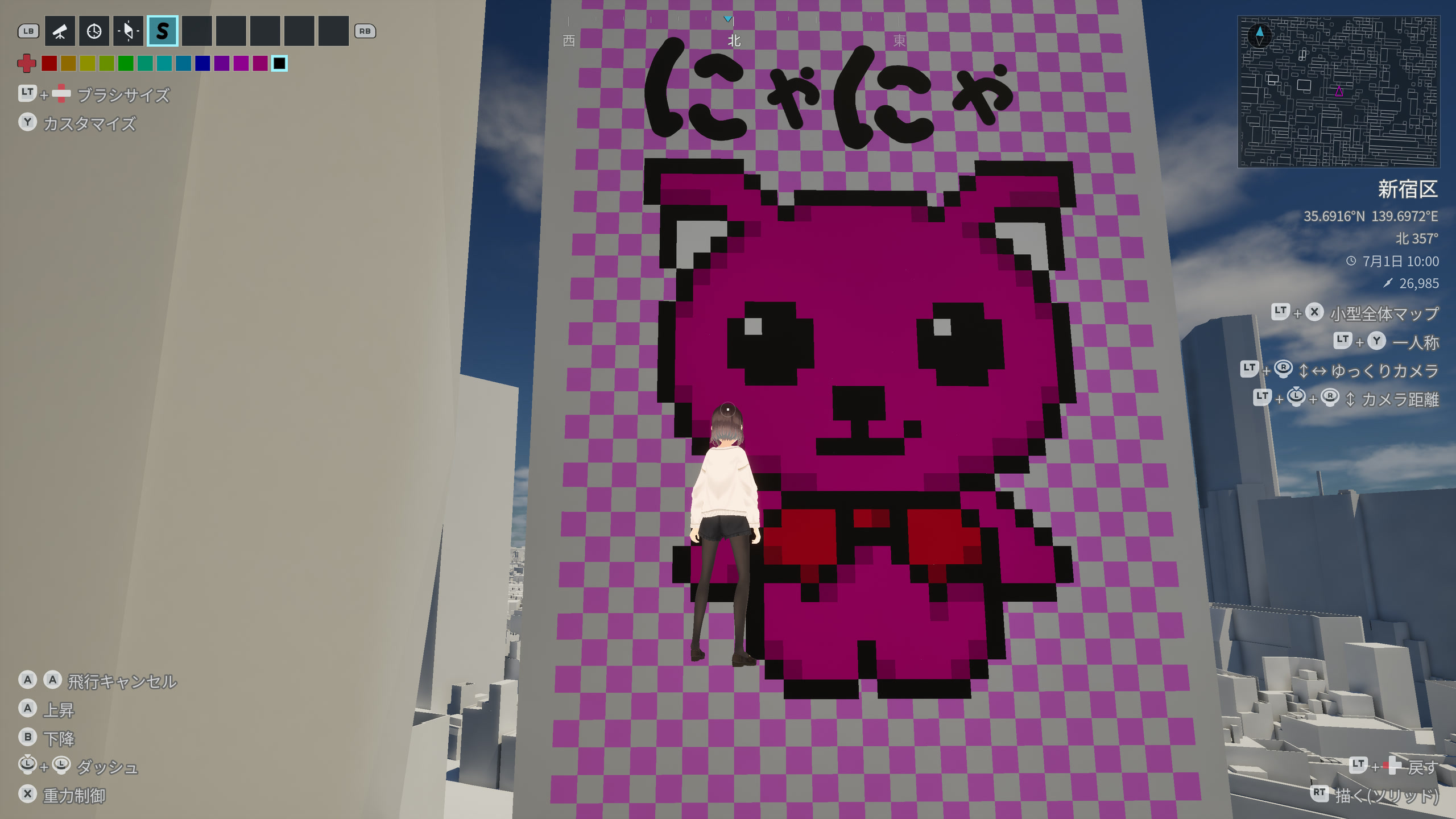
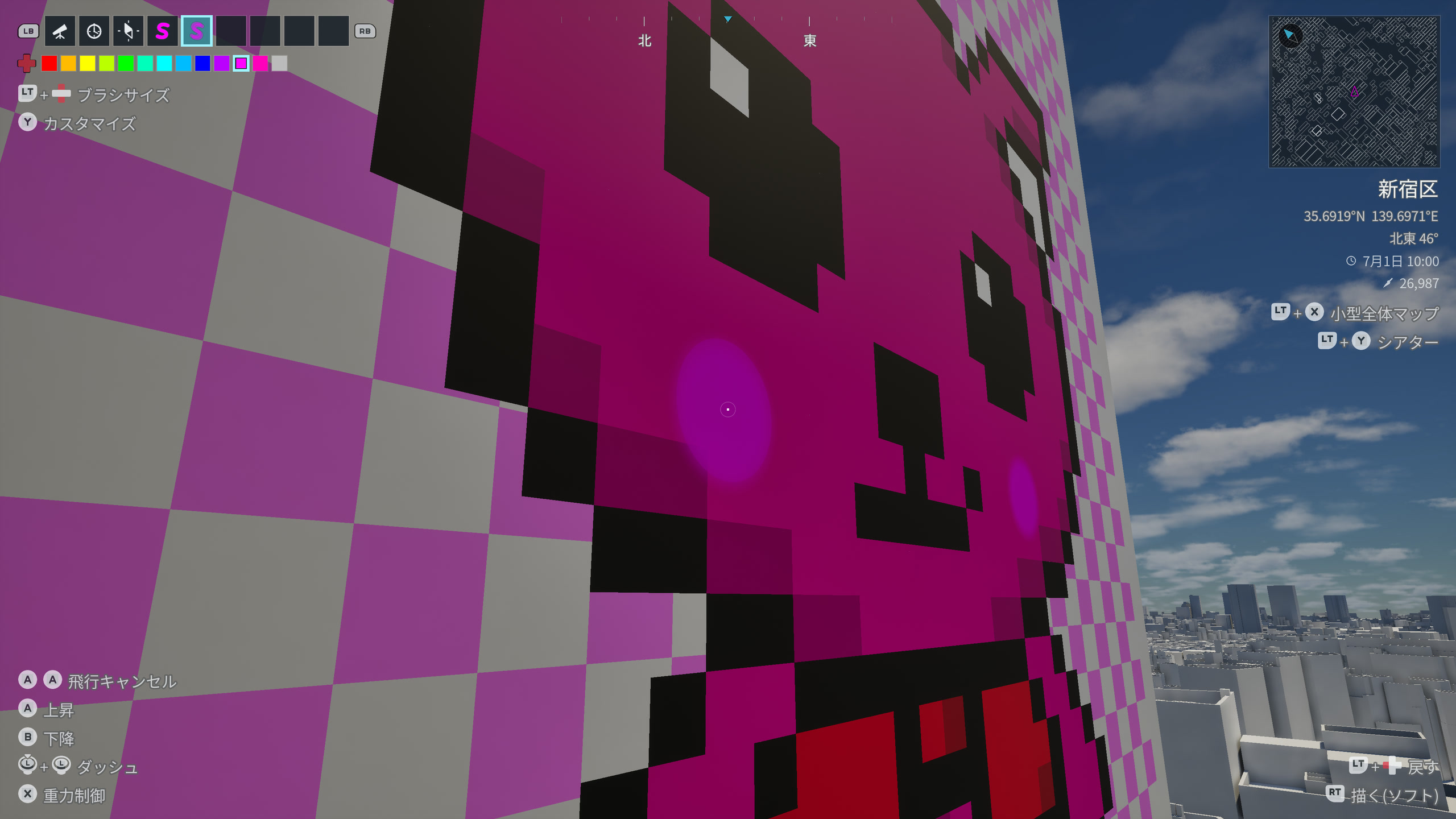
Add color to the ground, roads, roofs, and building walls with brushes, shapes, and stamps.
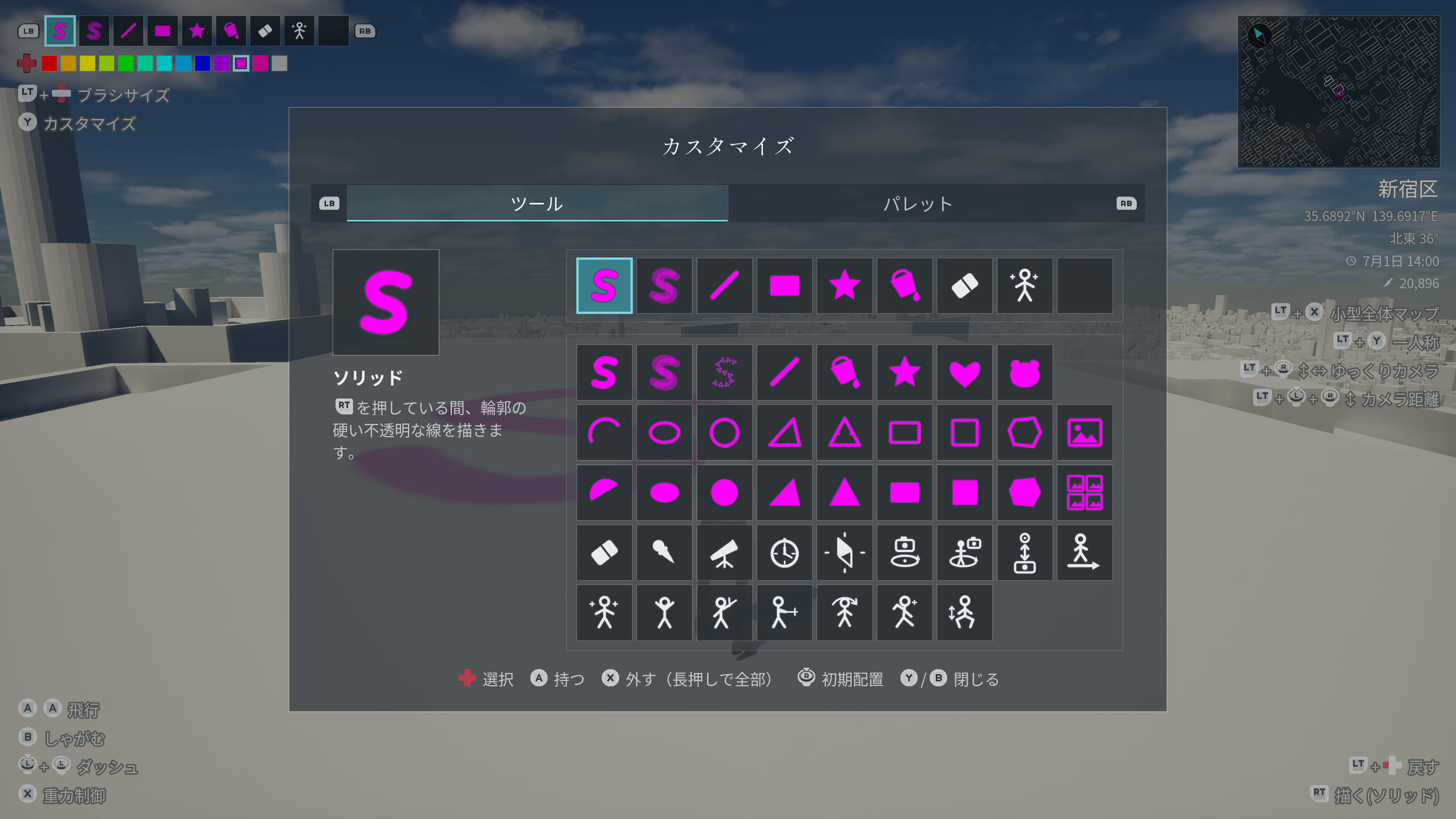
06 / TOOLS
Draw, decorate, dance, and film. Fill nine slots with your choice of painting tools, camera controls, and time and sky settings. Mix them to suit the way you play.
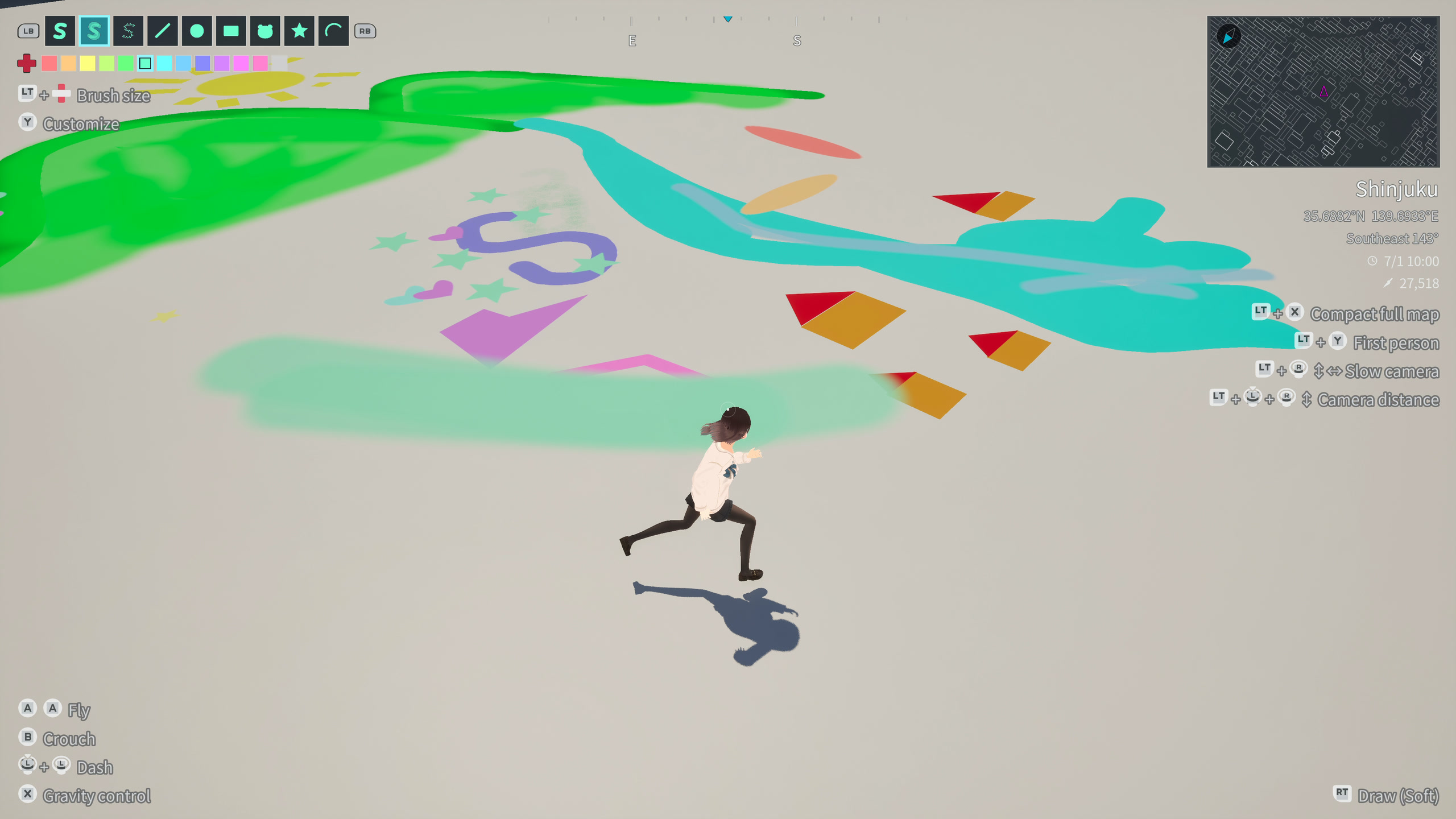
DRAW
Brushes, lines, shapes, and stamps. Draw freely with 25 tools, choosing your colors and stroke sizes.
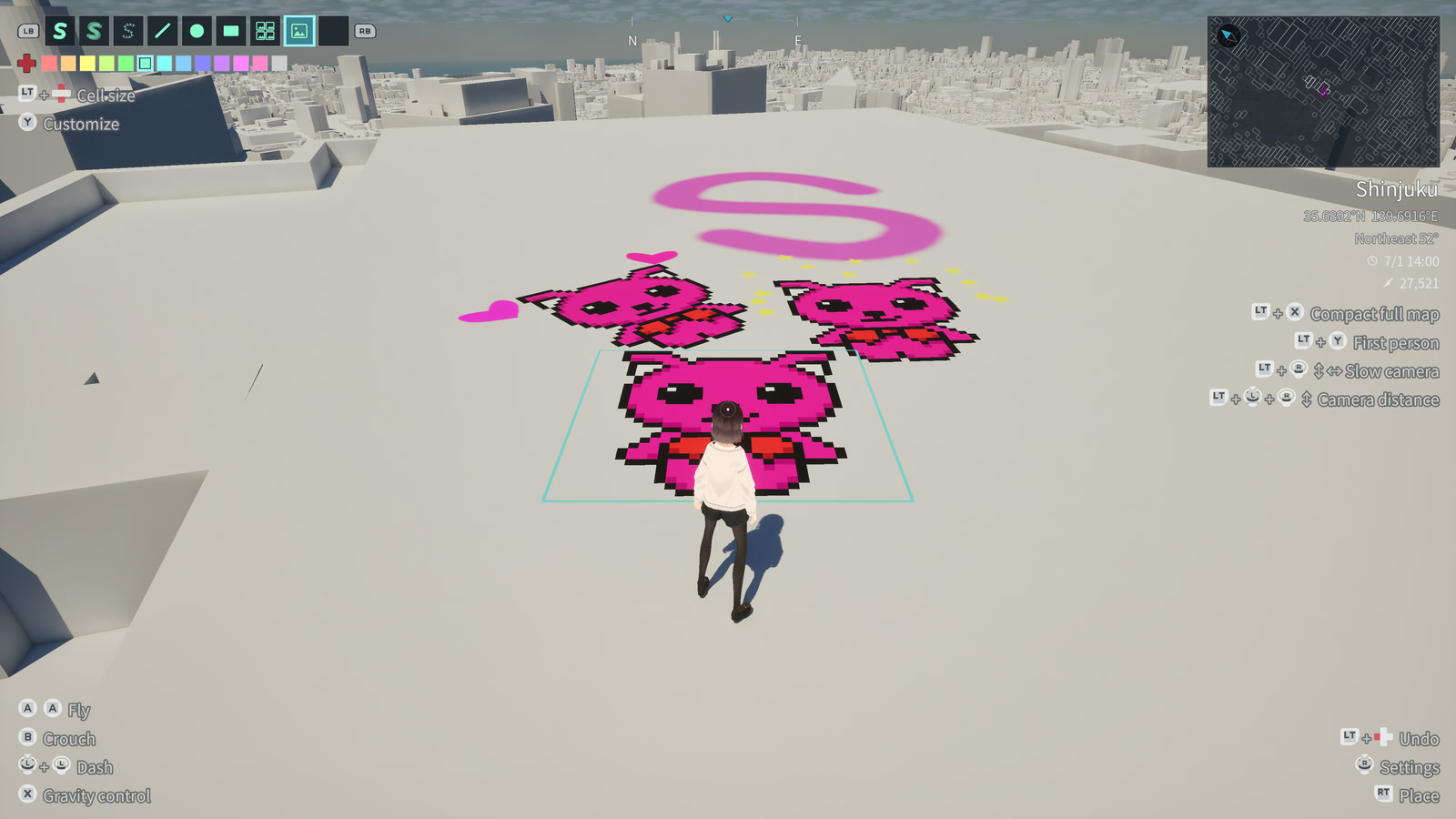
IMAGE
Paint pictures from your device or the included collection across walls and roofs.
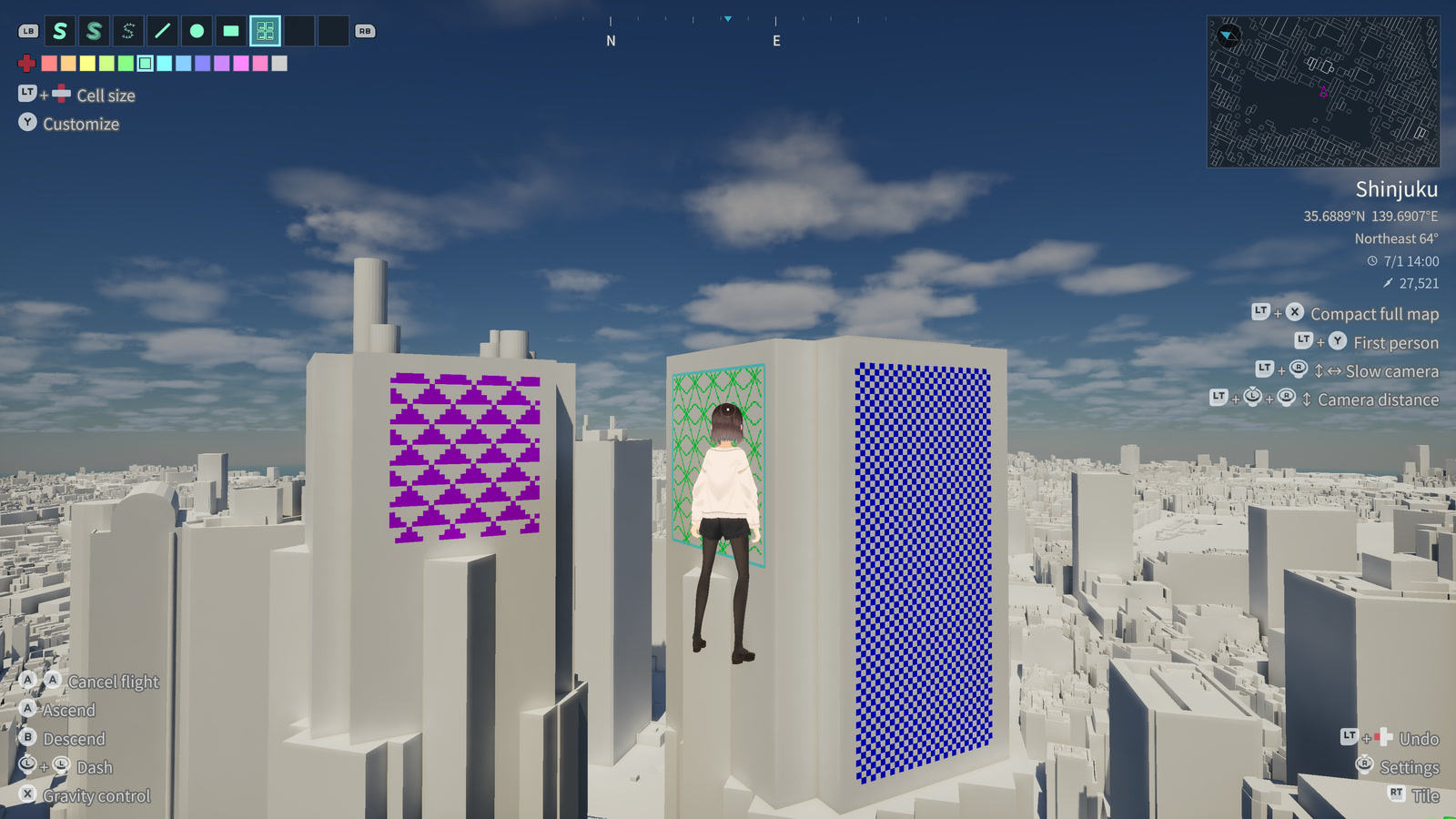
IMAGE TILE
Repeat a pattern to cover a wall or rooftop.
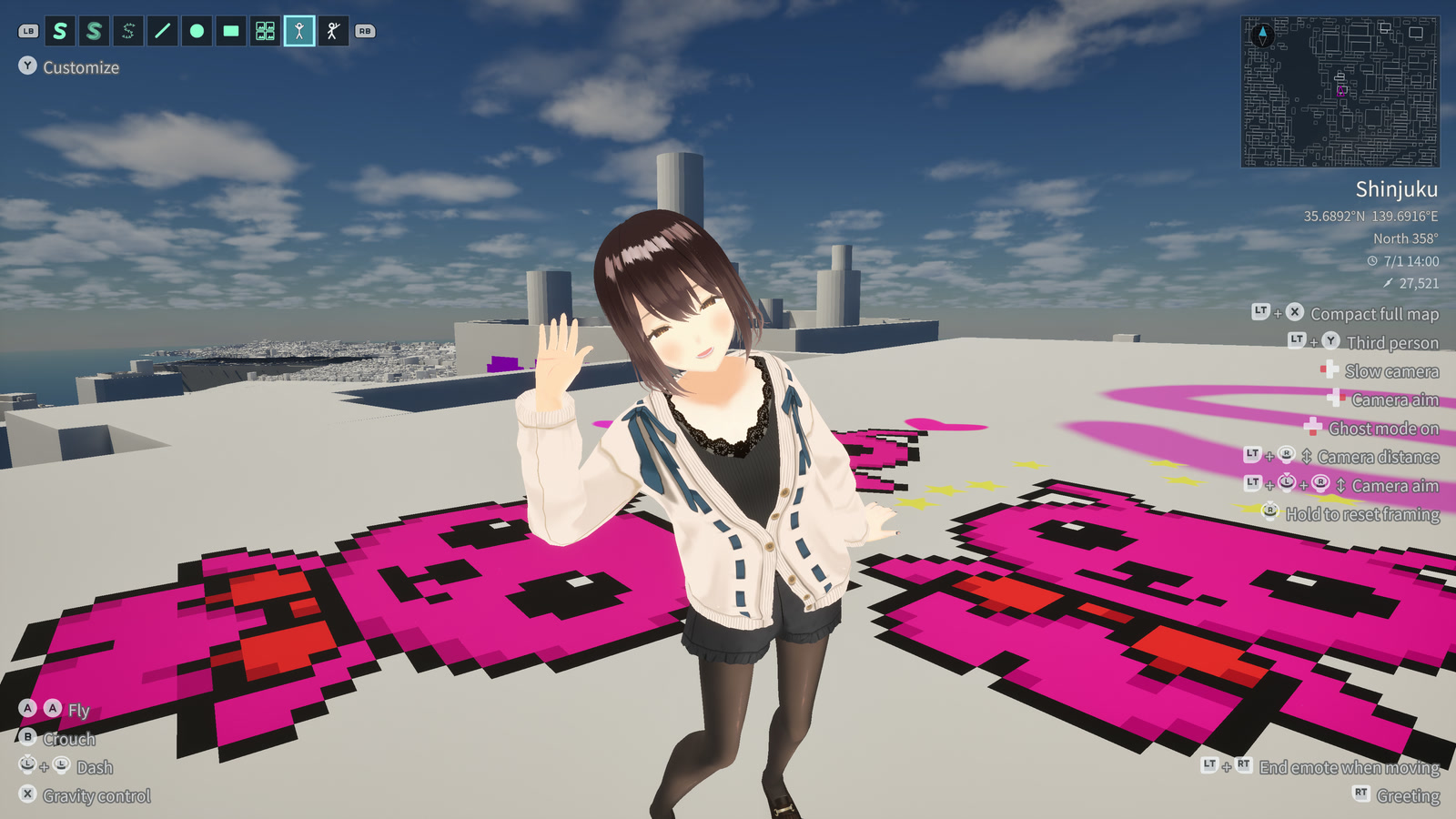
EMOTE
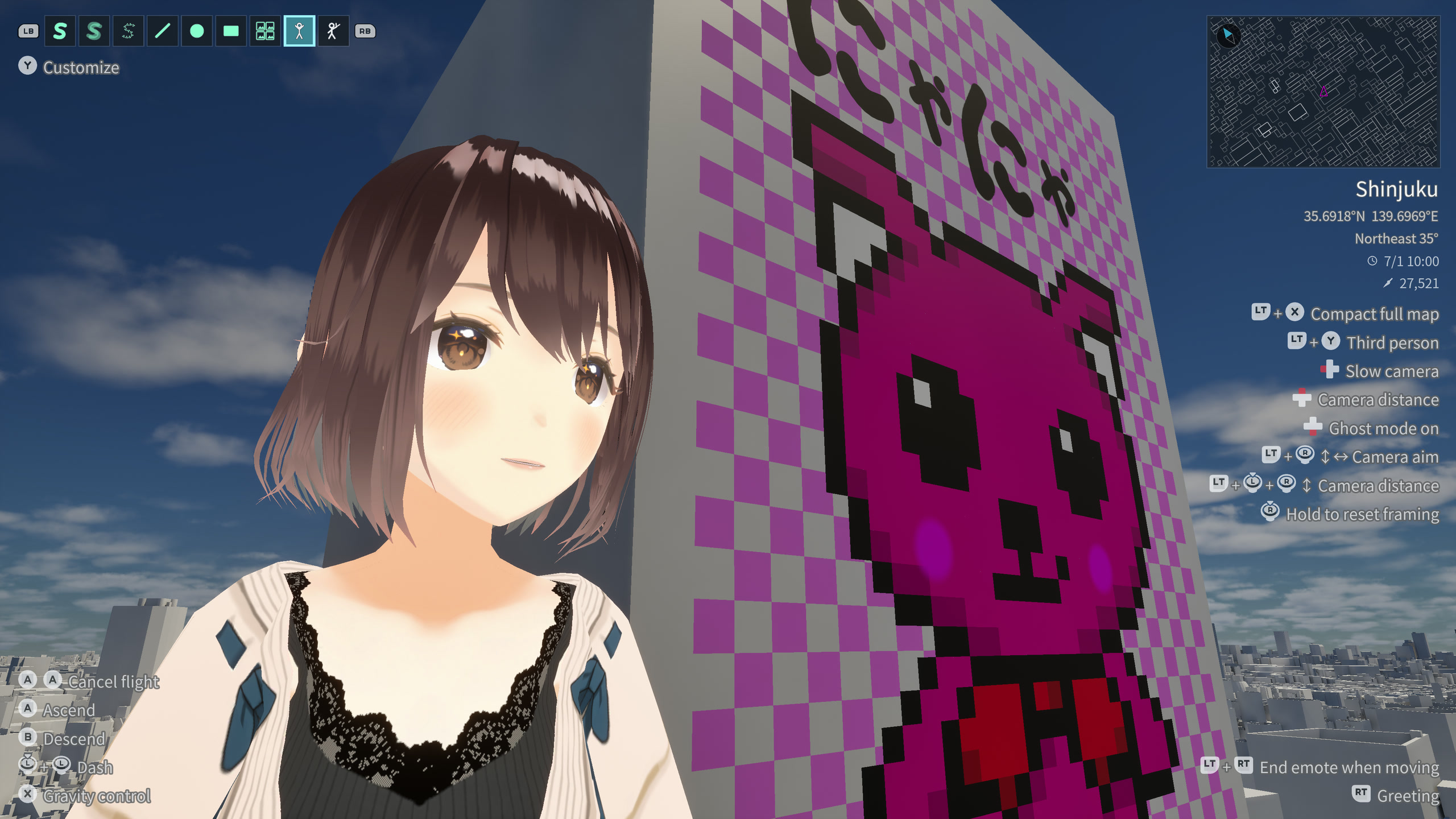
Dance, strike a pose, or take a keepsake photo in front of your work.
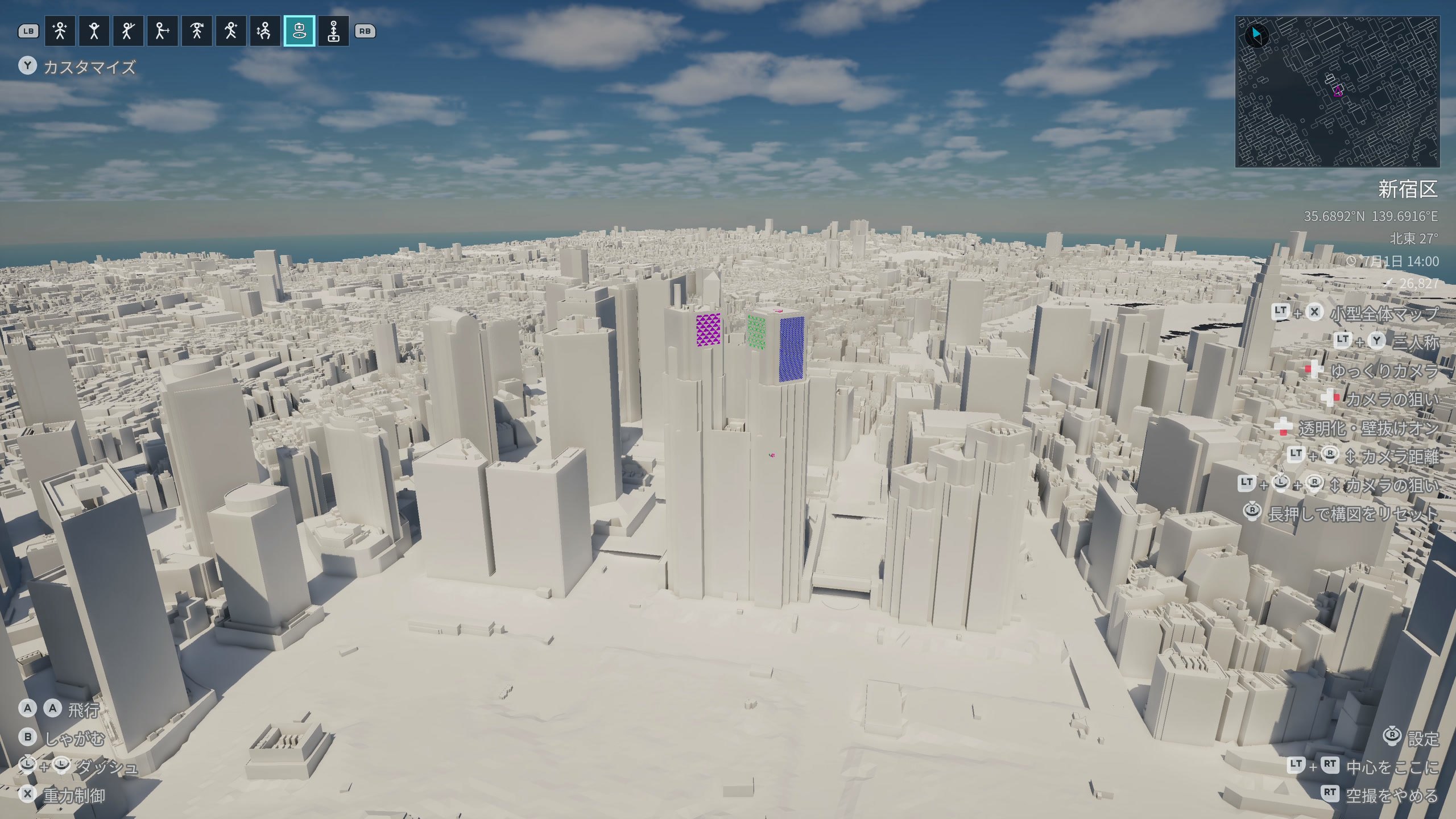
DIRECTION
Automate aerial shots, orbits, and camera distance in Theater mode. Combine them with automatic forward movement for your character.
SETTINGS
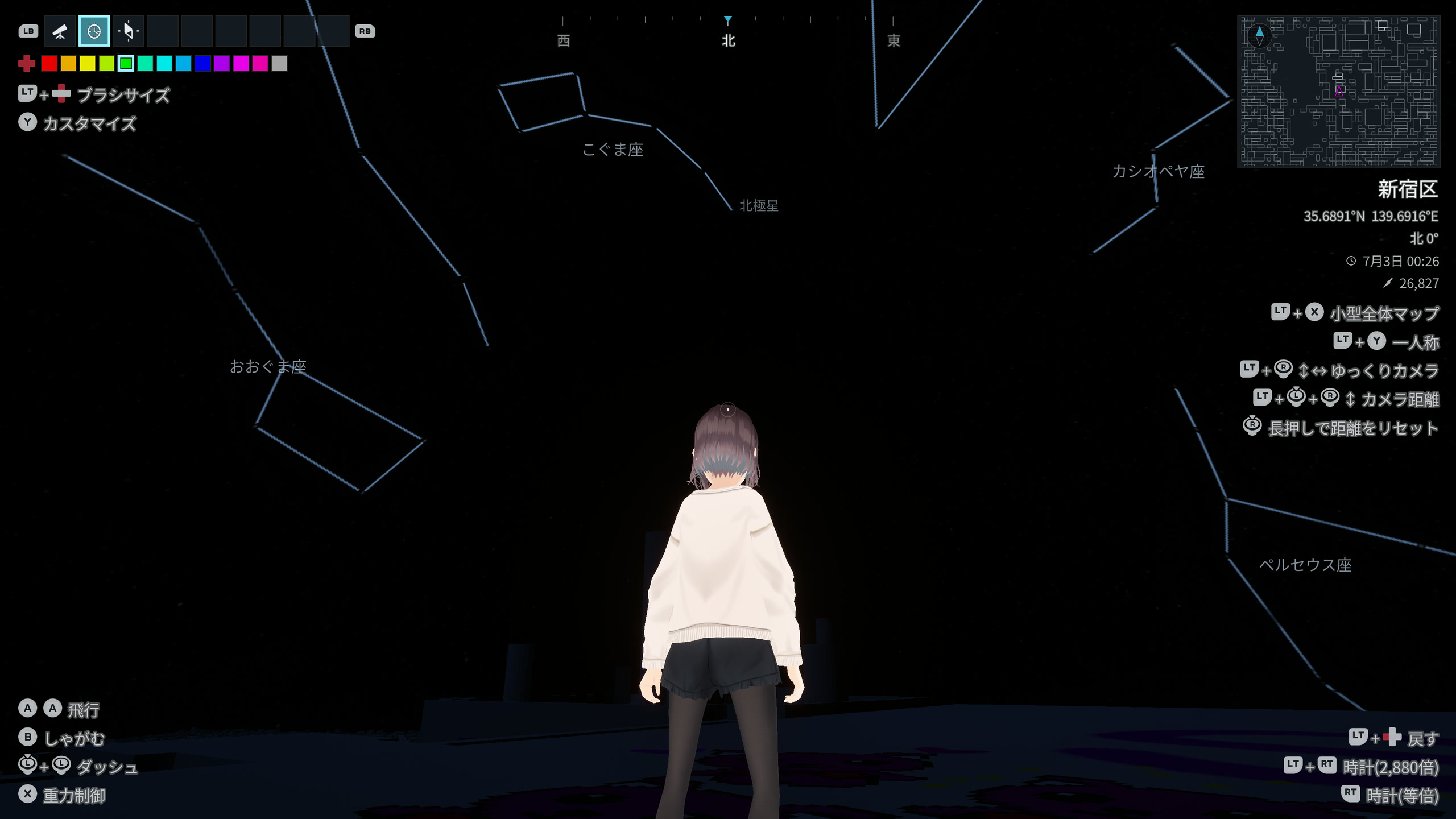
Pause time with the clock, reveal constellations with the telescope, and keep your bearings with the compass.
07 / CAMERA
From sweeping strokes to finishing touches, switch between first-person, third-person, and Theater views to find the angle that feels right.
08 / DISCOVER
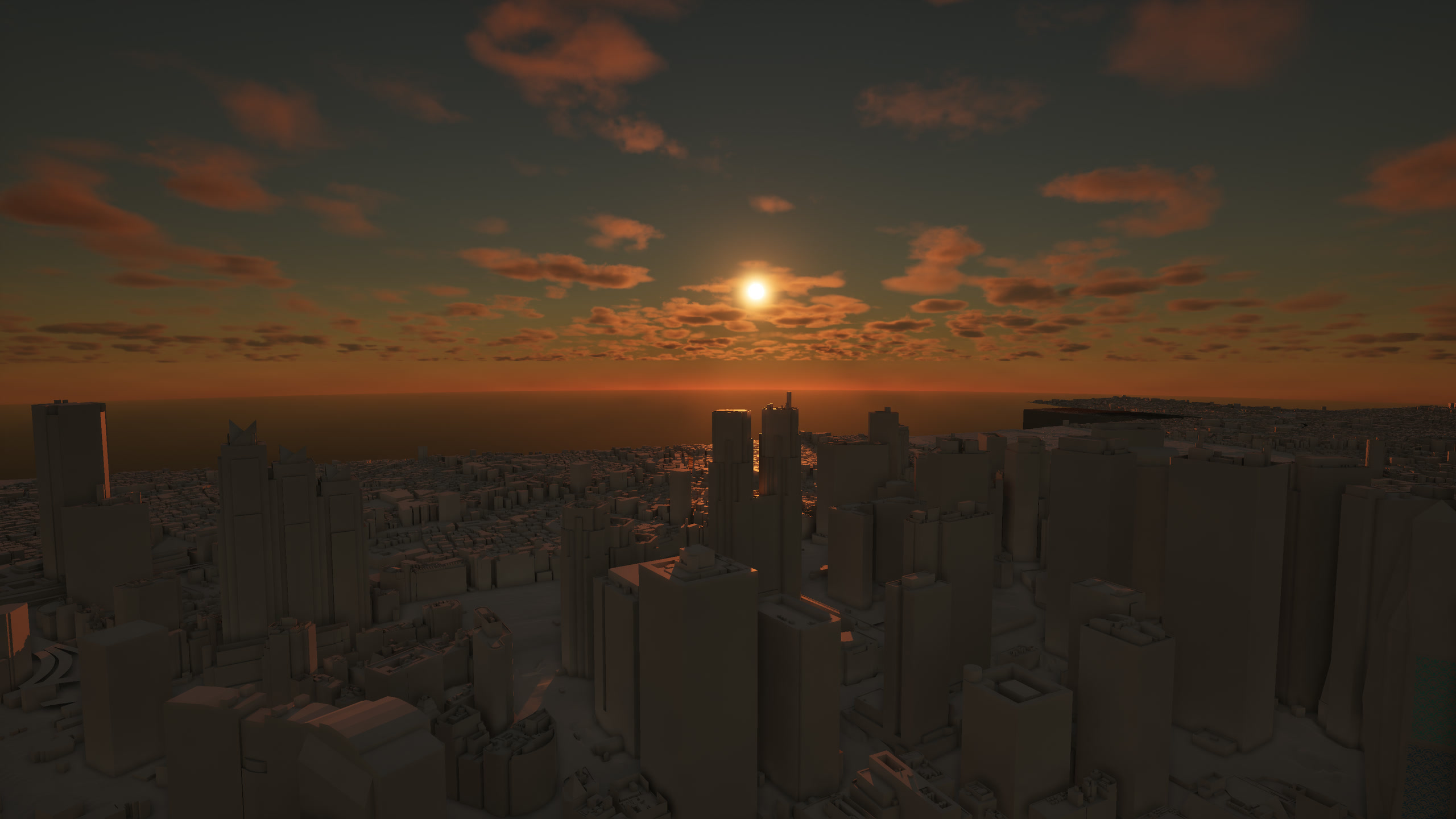
TIME
Morning, evening, and into the night. Change the pace of time and wait for a view you love—or stay at your favorite hour.
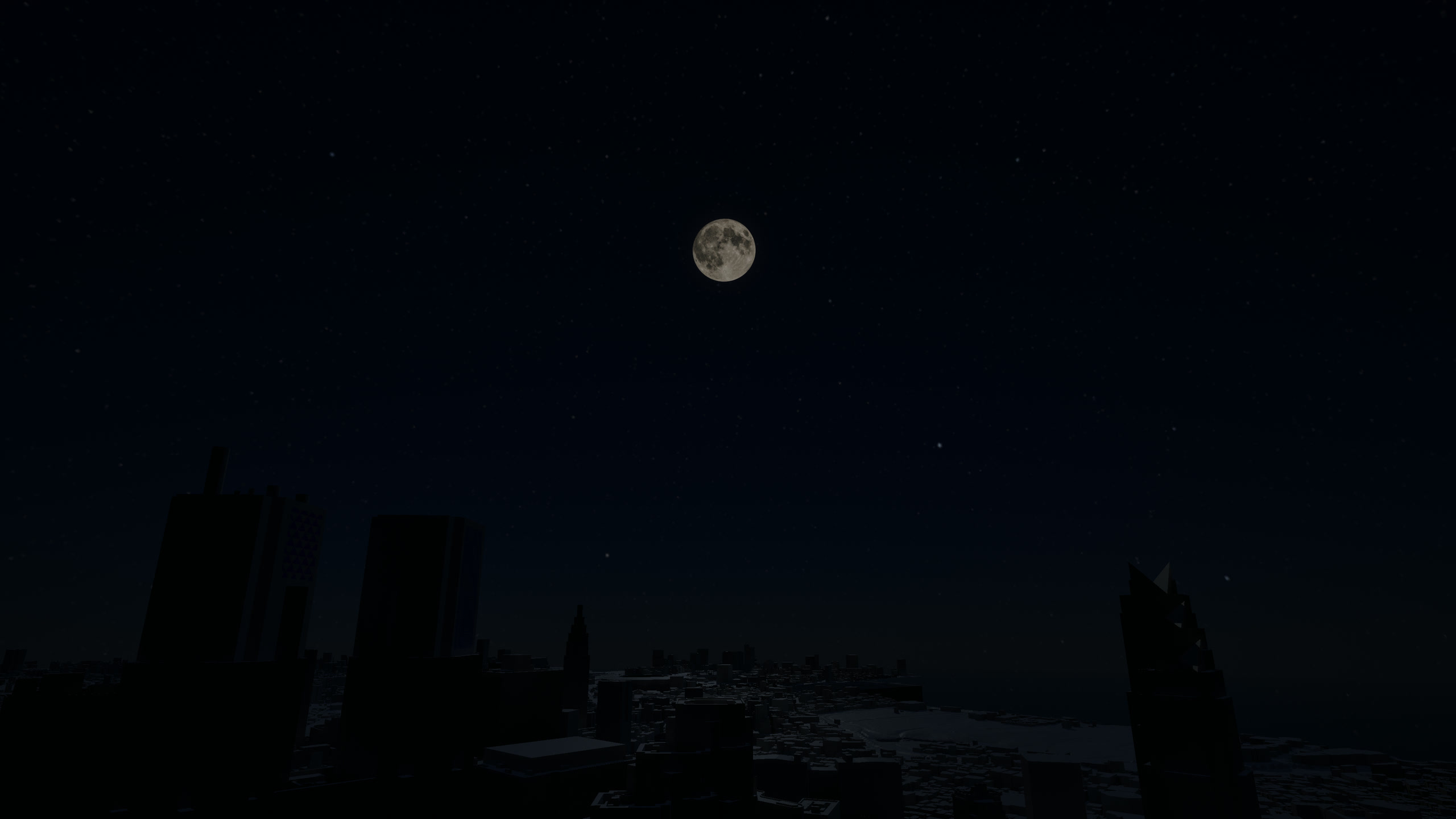
STARS
Stars follow a real star catalog, while astronomical calculations place the moon and shape its phases. Turn on constellation lines and names, and take your time exploring Tokyo’s sky.
Star positions use ESA’s Hipparcos catalog. The moon’s motion follows the actual calendar for 1950–2050; apparent size and brightness are adjusted for presentation.
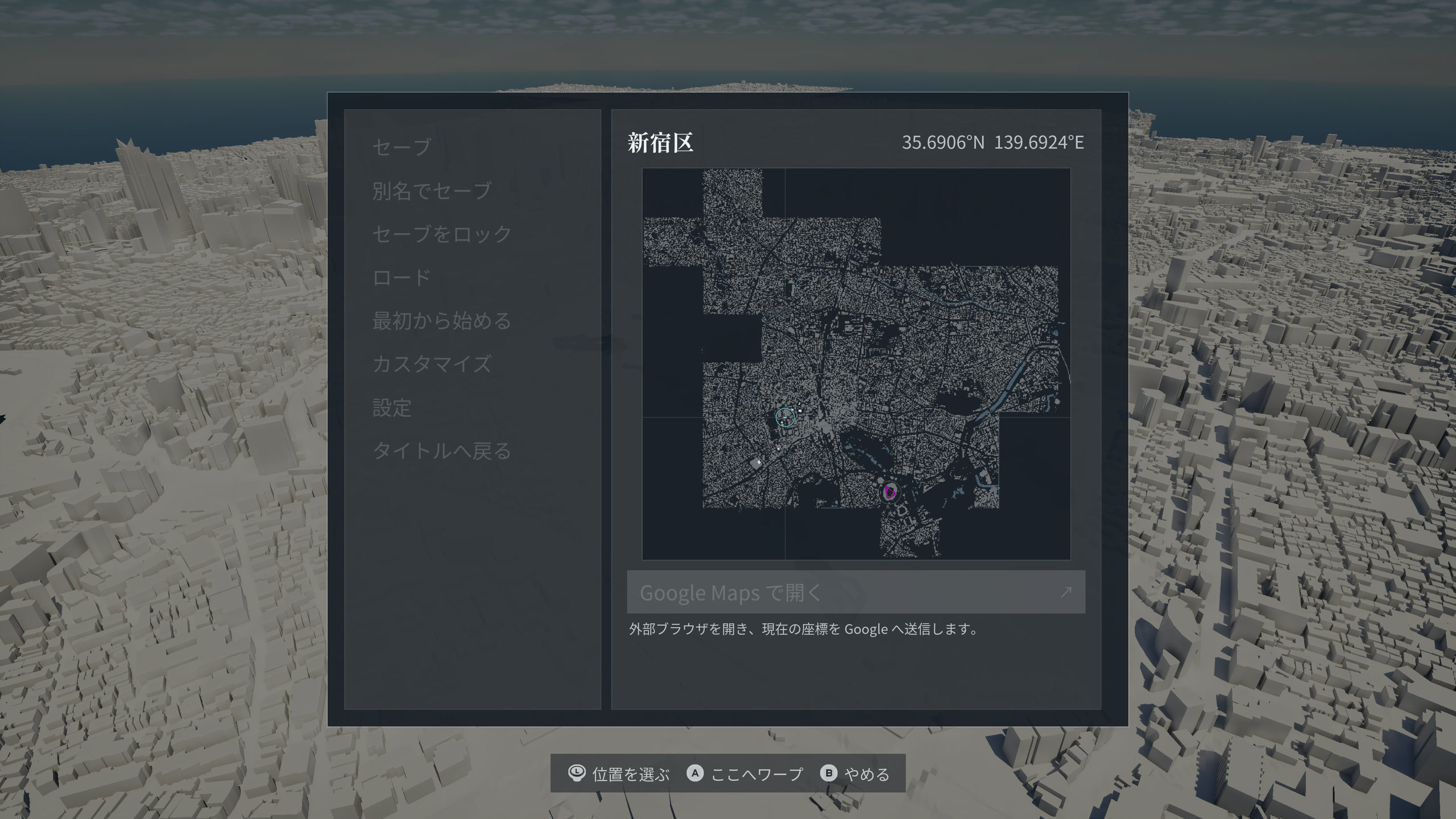
WARP
Warp high above a destination on the full map. Look down over Tokyo, then dive toward a place that catches your eye.
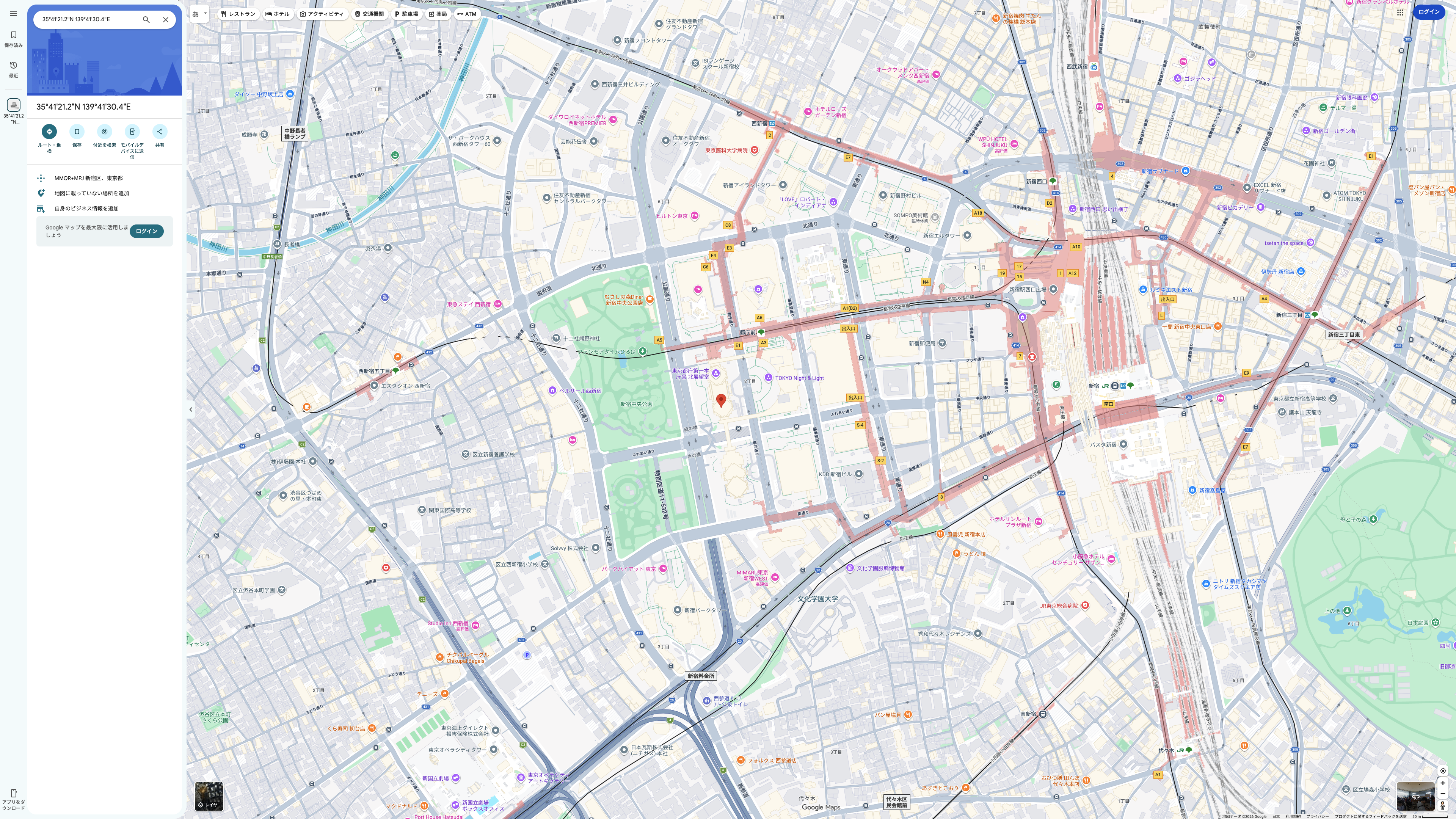
GOOGLE MAPS
Open your in-game location in Google Maps and compare it with the real city. Even familiar places may hold a new discovery. Opens in an external browser.
CHARACTER
Walking the streets or posing beside your work,
head into Tokyo as a character that suits your mood.
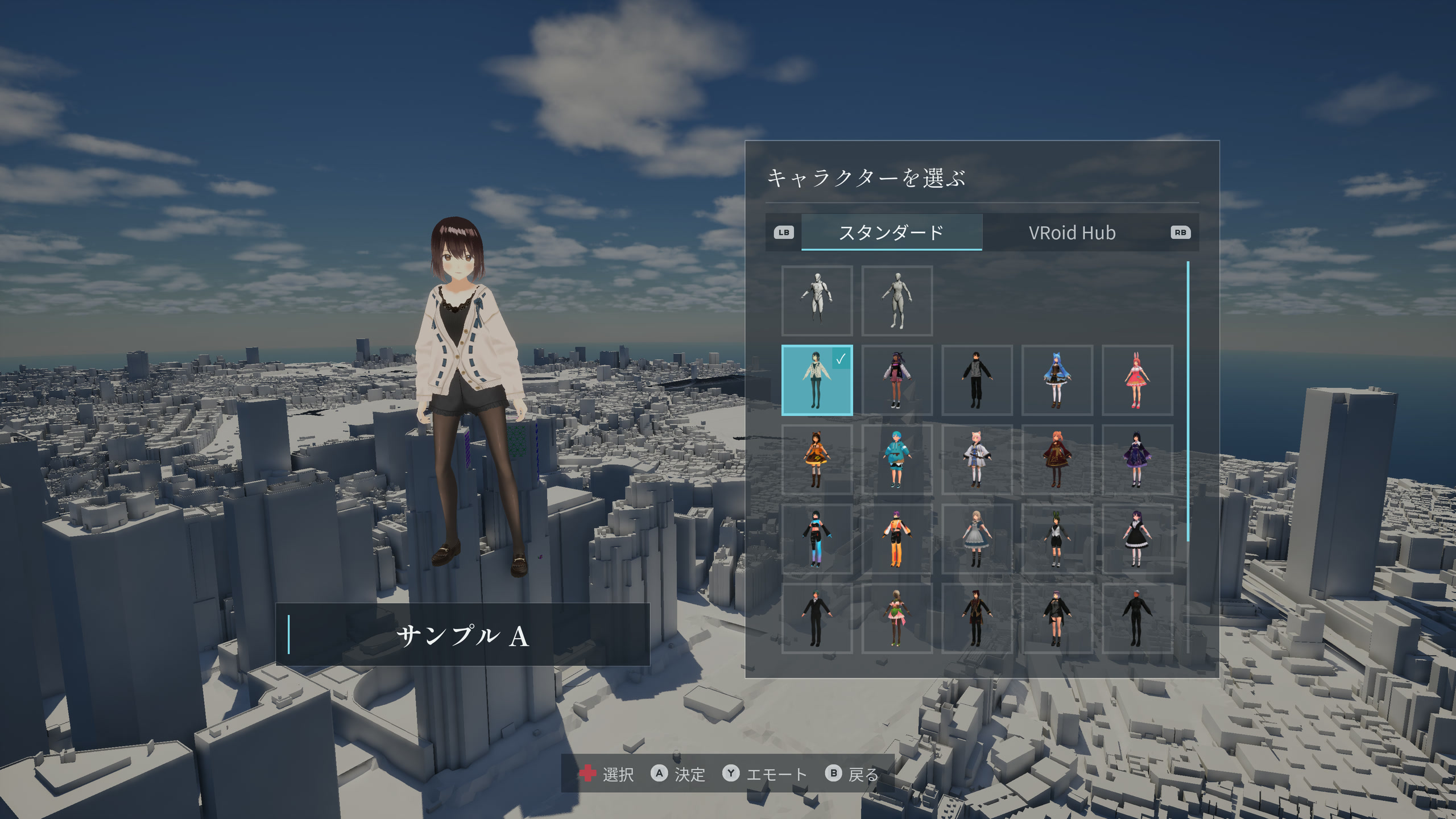
STANDARD
Choose from 26 included standard avatars and start playing, with no external service connection needed.
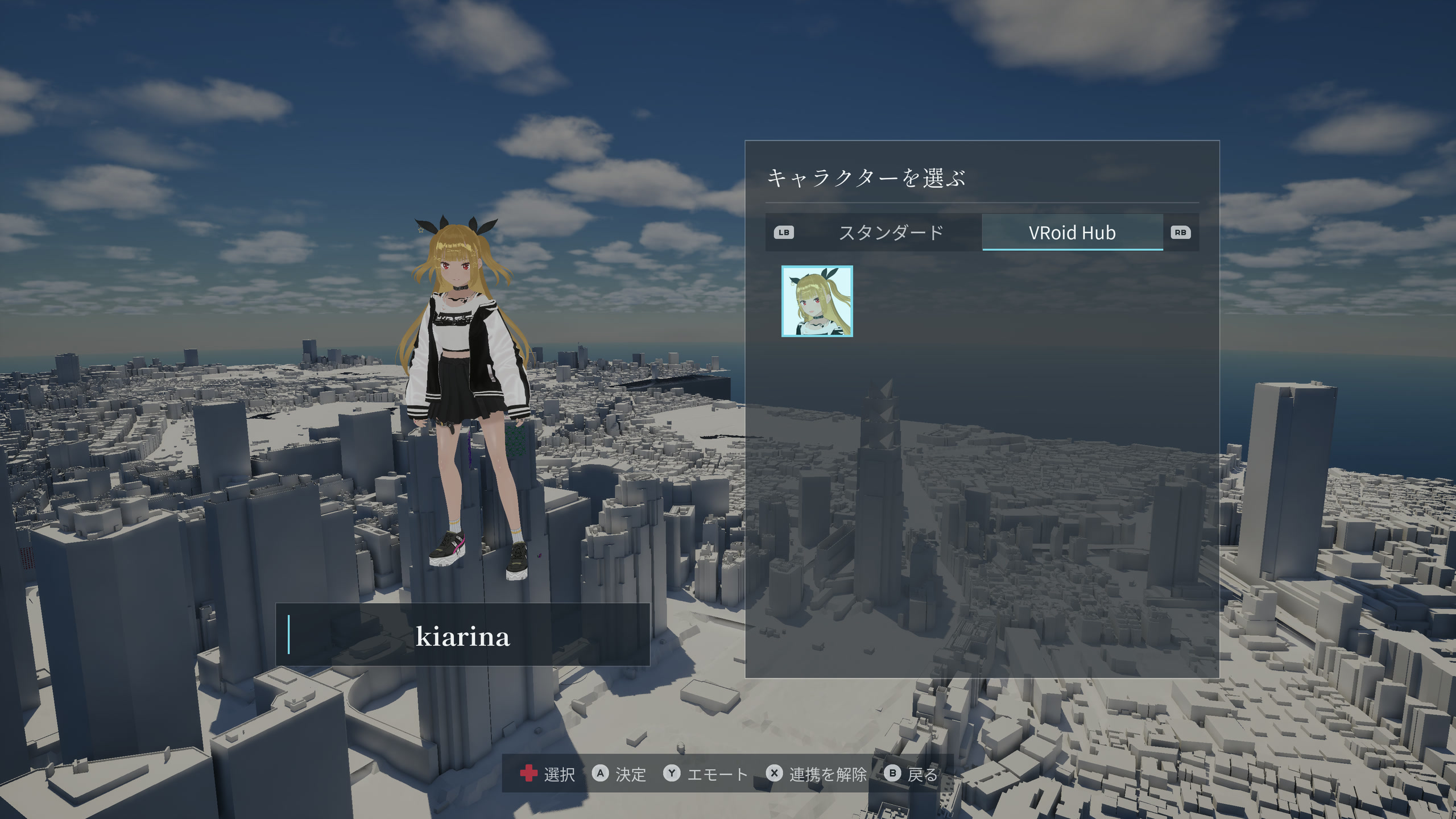
VROID HUB
Connect to VRoid Hub and use a model you uploaded as your in-game avatar. Review its usage conditions before choosing it.
MULTIPLAYER
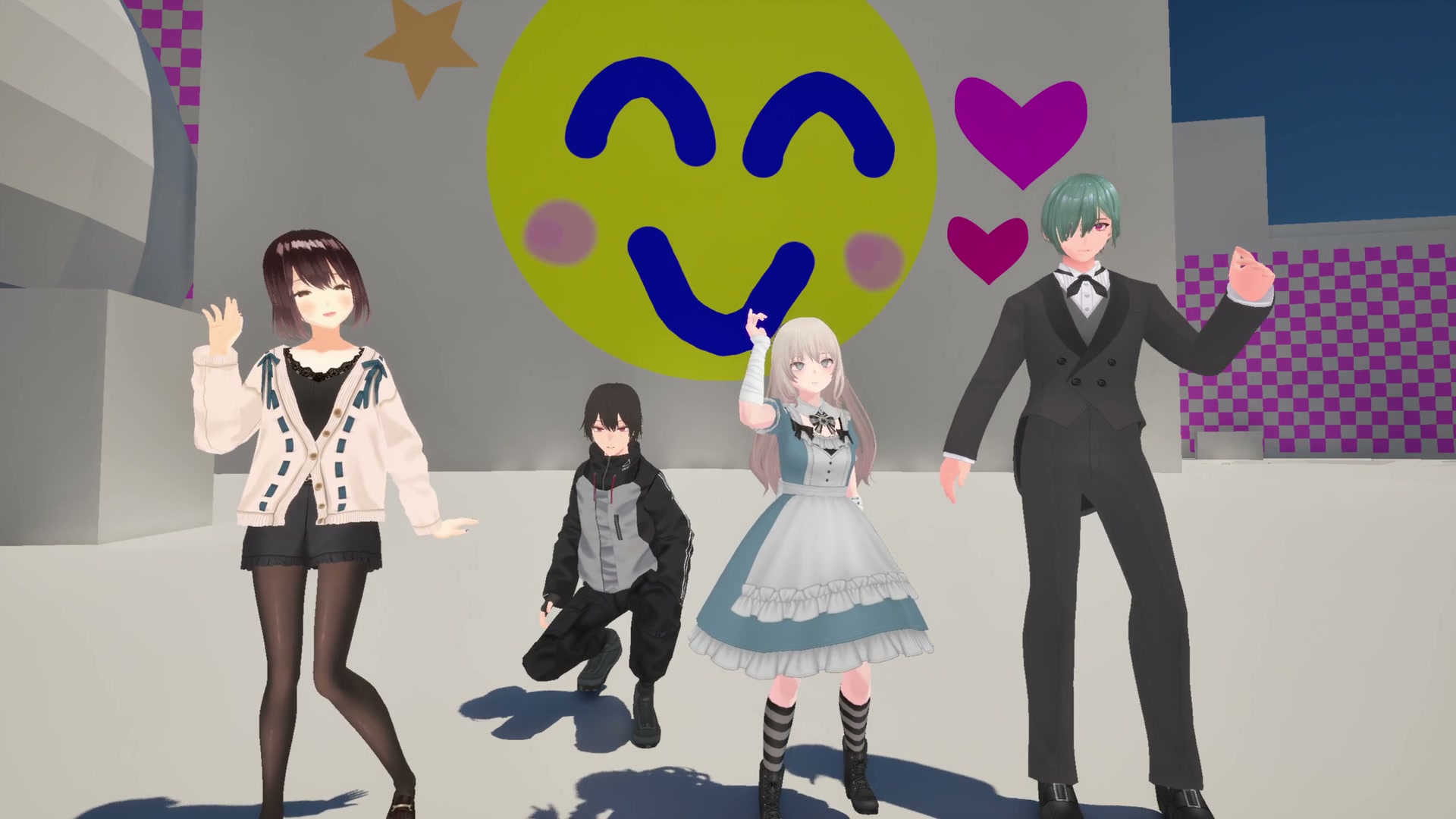
Gather in the same ward with 2–4 players and share every stroke in real time. Chat as you finish a picture together, or fly off to your own favorite spots. Strike an emote in front of your work to mark the moment.
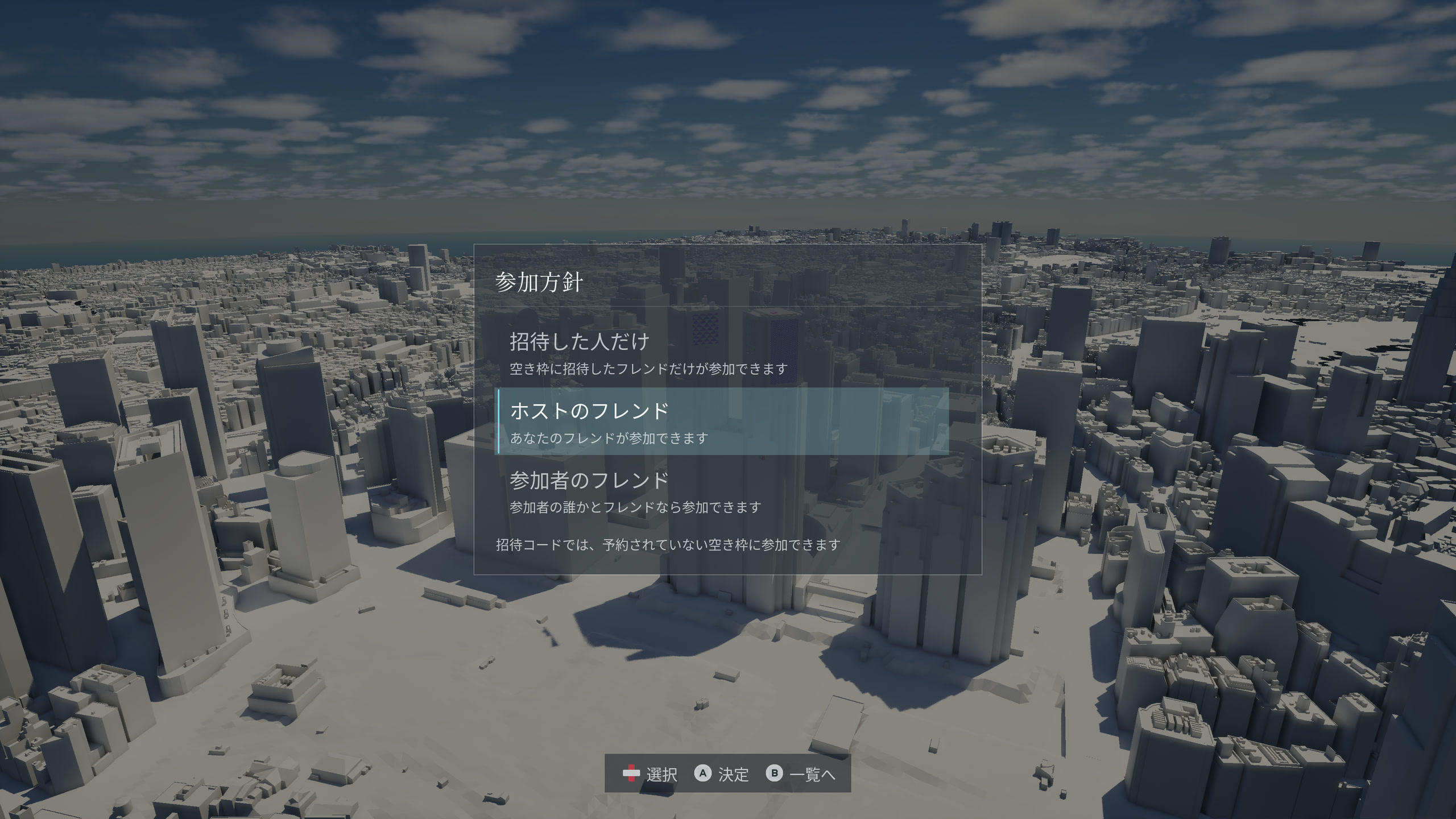
HOST
Start a session in your current ward. Choose who can join: invited players only, the host’s friends, or friends of any participant.
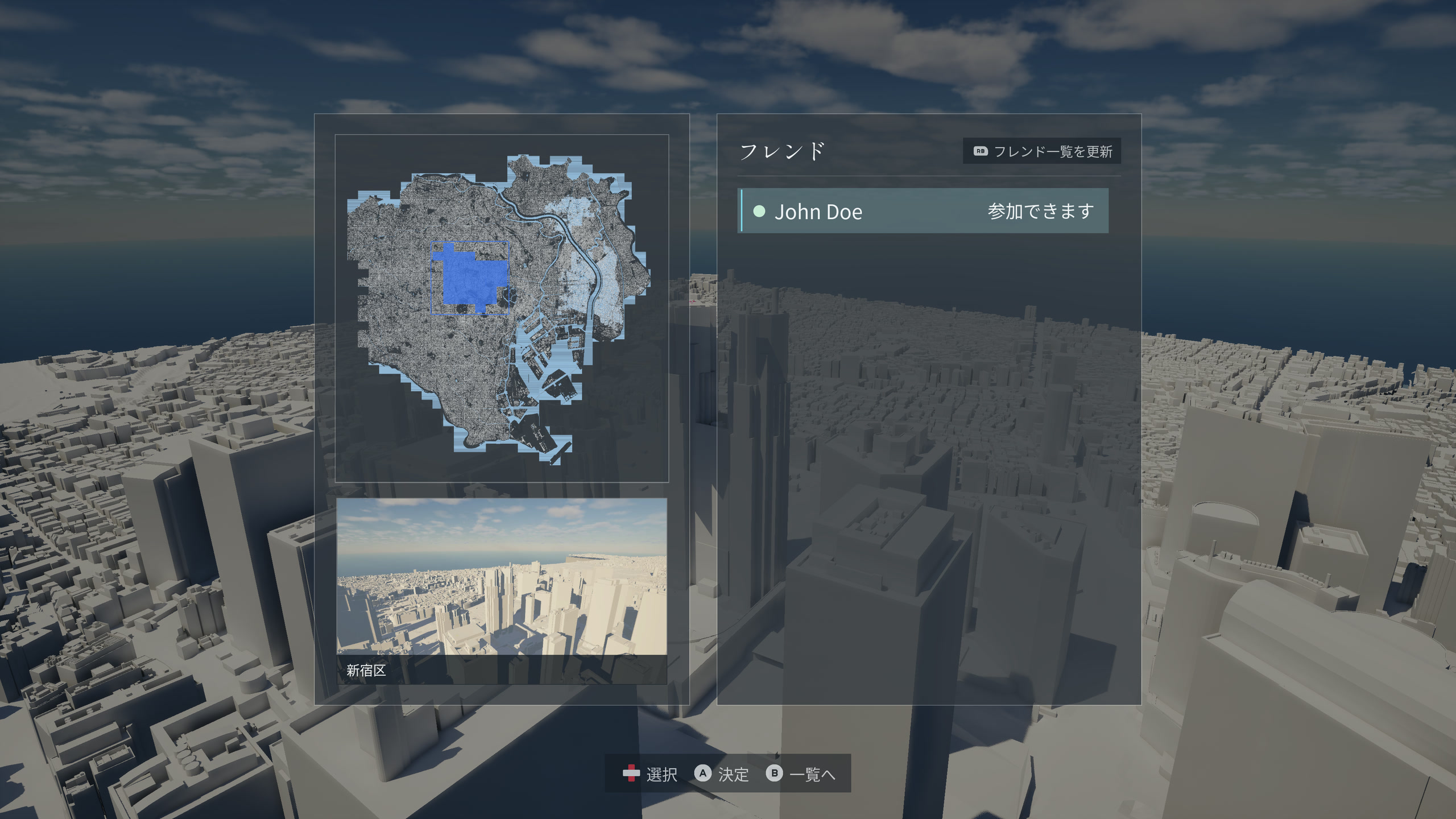
FRIENDS
Choose an available session from your store’s friends list and join in. Paint together in the same city.
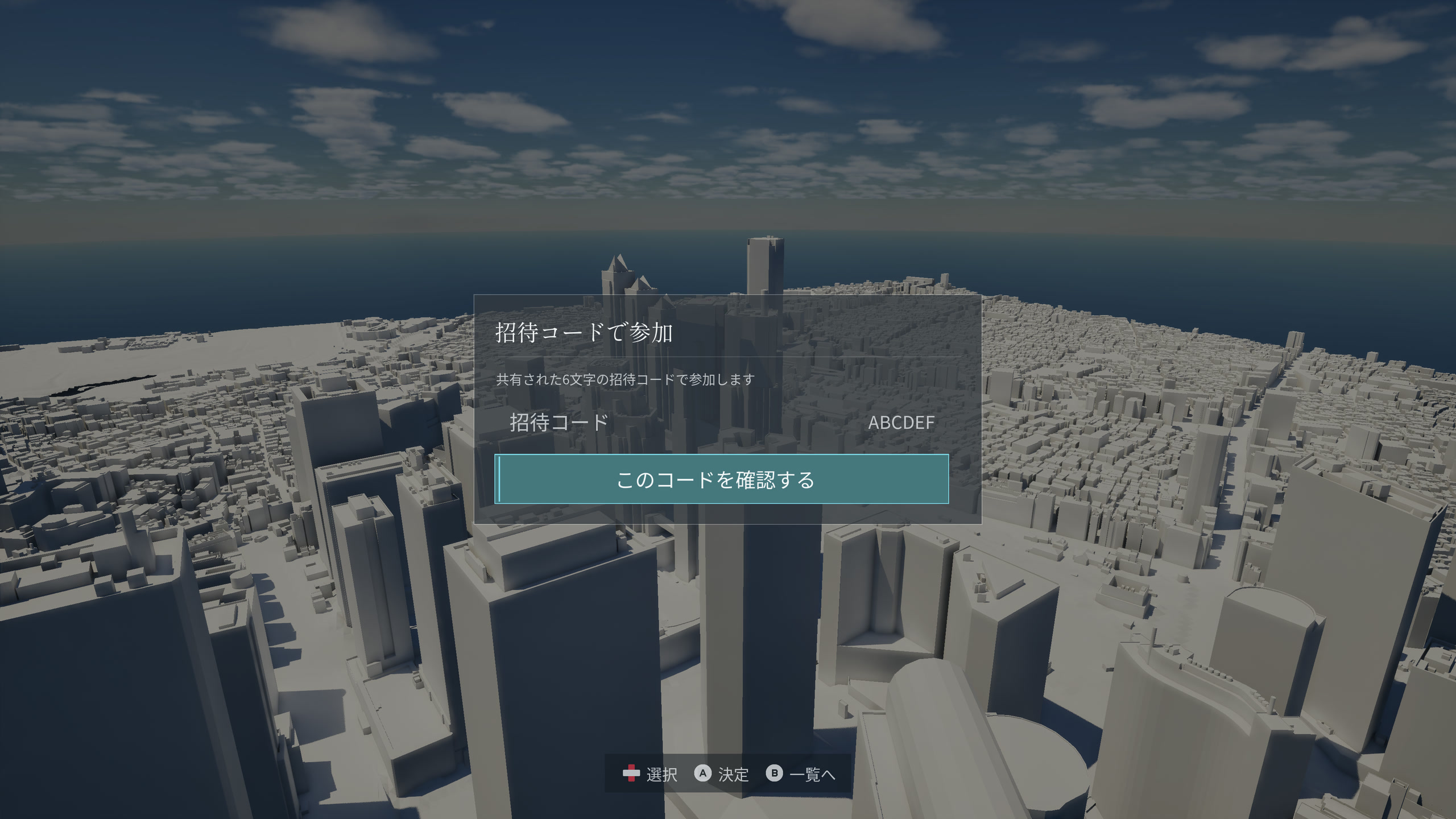
INVITE CODE
Share an invite code to meet in Tokyo, even if you aren’t on each other’s friends lists. Enter a code you receive to join. Steam and Epic Games Store players can play together.
GALLERY
The colors you leave and the sky you choose become one work.
Share your own scenery, city and all. You can enjoy multiplayer inside published works, too.
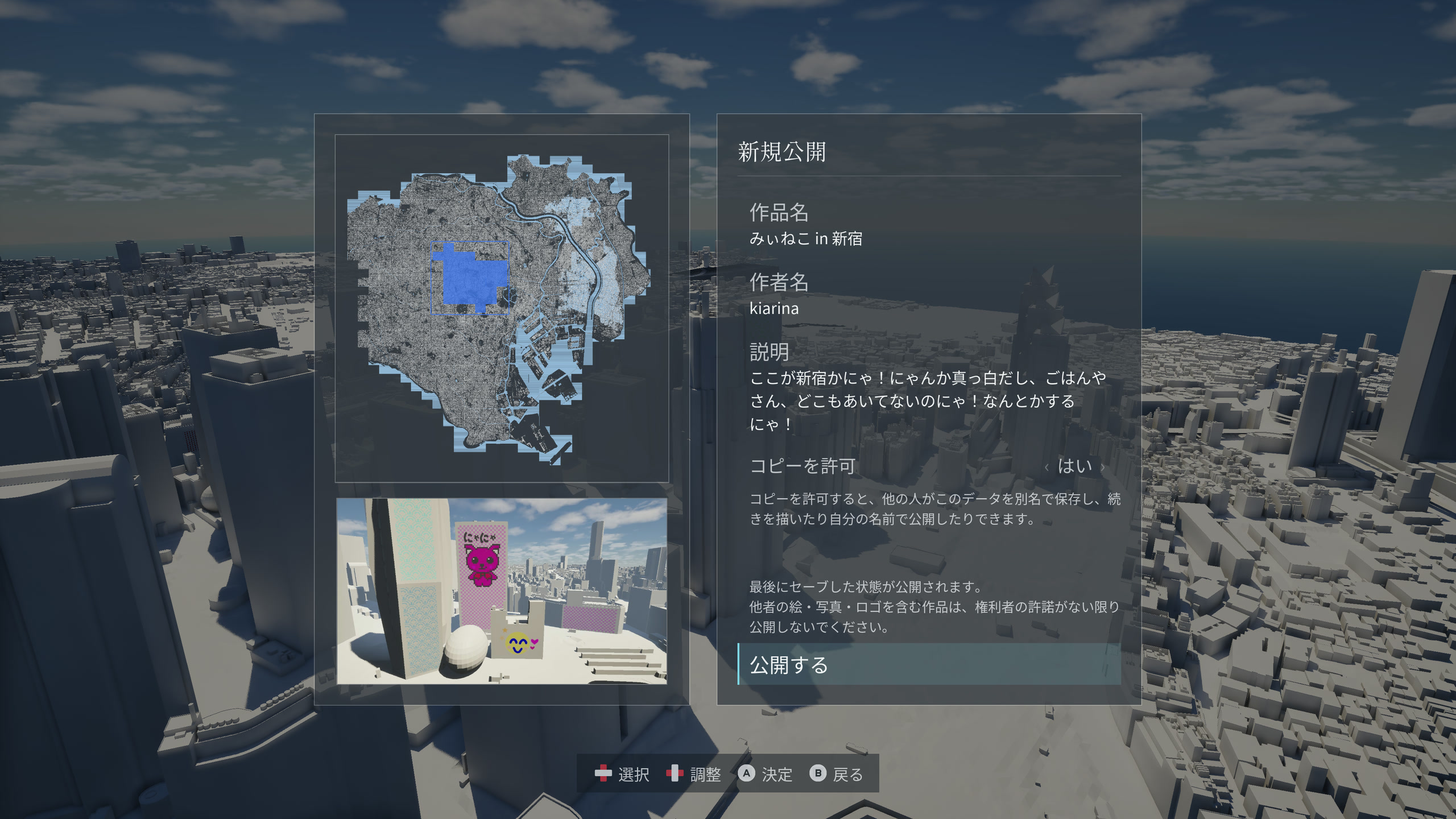
PUBLISH
Publish your canvas to the gallery, then share its work code so others can visit the city you painted.
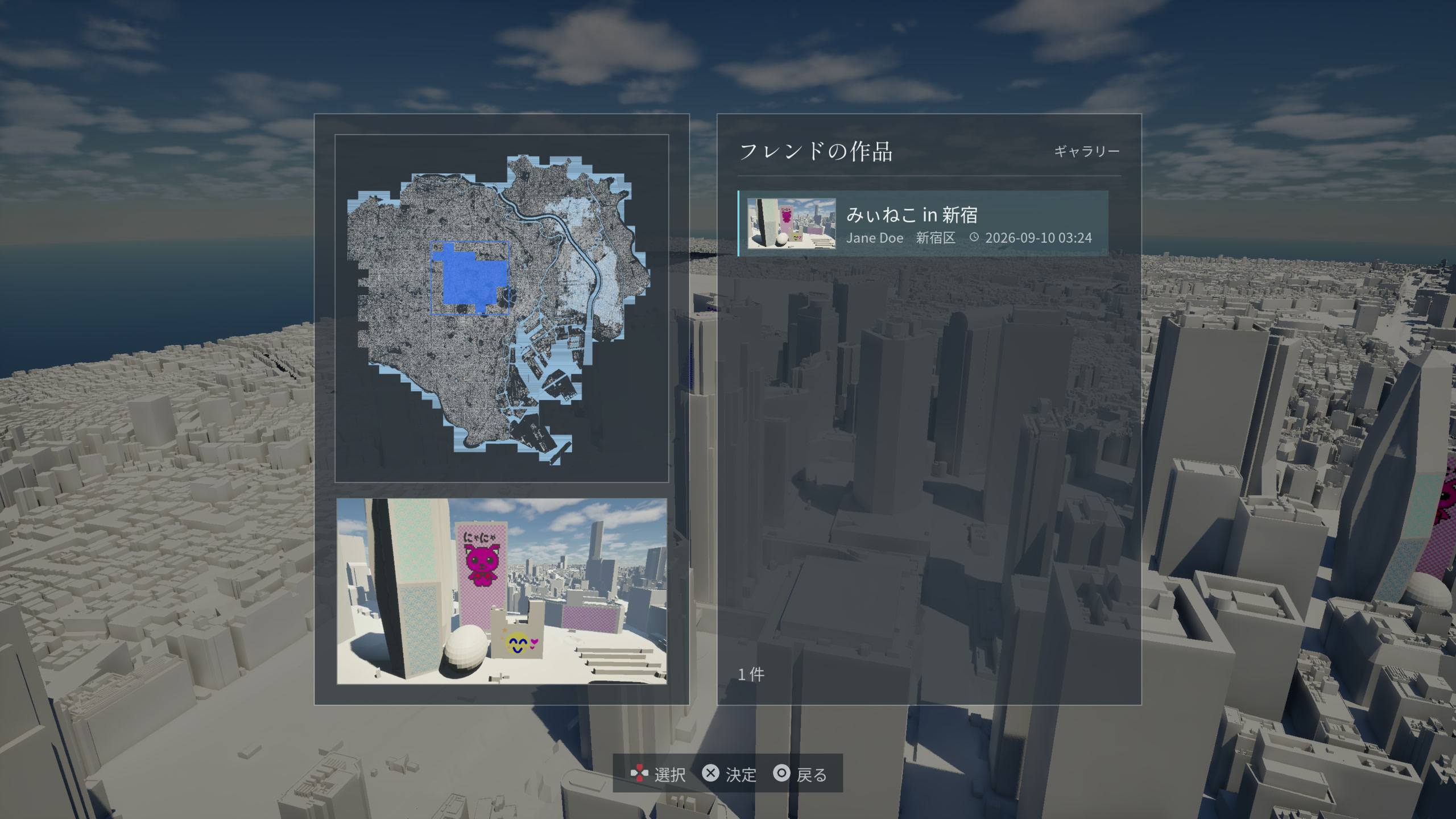
FRIENDS
Open a friend’s published work and step inside. Even familiar Tokyo streets hold someone else’s colors and discoveries.
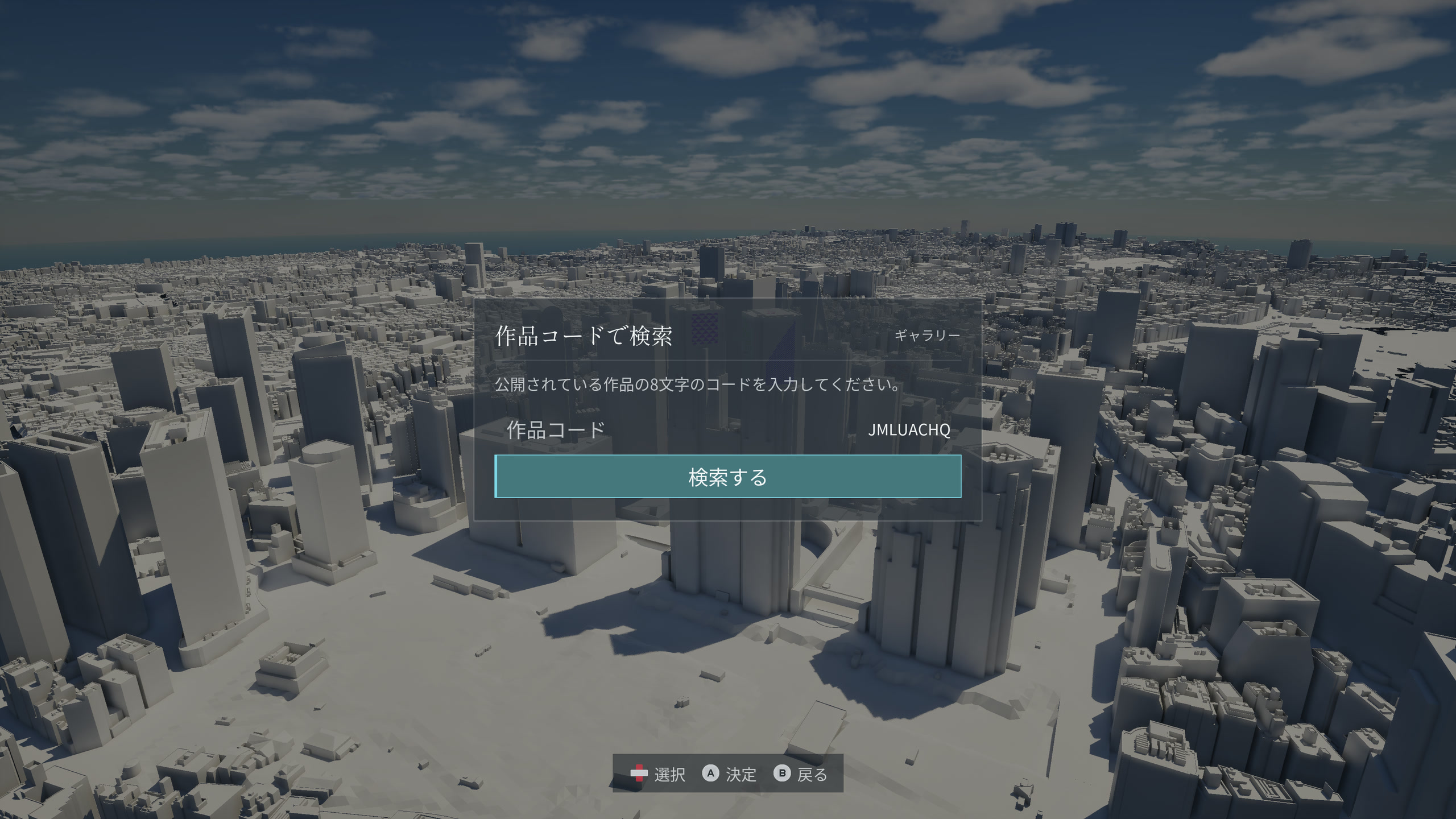
WORK CODE
Enter a work code you receive and step into that creation. You can visit works by people outside your friends list, too.
GET THE GAME
Out now for Windows and macOS, US$6.99 on Steam and Epic Games Store.
Grab it on your store of choice and start painting Tokyo.
| Component | Minimum | Recommended |
|---|---|---|
| OS | Windows 10 64-bit (1909 or later) | Windows 11 64-bit |
| CPU | Intel Core i5-10400 / AMD Ryzen 5 3600 | Intel Core i7-10700 / AMD Ryzen 7 3700X |
| Memory | 16 GB RAM | 16 GB RAM |
| GPU | RTX 2060 / RX 6600 equivalent (6 GB VRAM, Shader Model 6 and hardware ray tracing support) | RTX 3060 / RX 6700 XT equivalent (8 GB VRAM) |
| DirectX | 12 | 12 |
| Storage | 12 GB available space | 12 GB available space on an SSD |
| Component | Minimum | Recommended |
|---|---|---|
| OS | macOS 14 Sonoma or later | macOS 14 Sonoma or later |
| CPU | Apple M1 Max | Apple M4 Max |
| Memory | 32 GB unified memory | 32 GB unified memory |
| GPU | Equivalent to the 32-core GPU in M1 Max or better | Equivalent to the 40-core GPU in M4 Max or better |
| Storage | 12 GB available space on an SSD | 12 GB available space on an SSD |
| Performance target | 1080p, Medium quality, 30 fps | 1080p, Medium quality, 60 fps |
Apple Silicon only. Performance targets use a drawing view distance of 10 km, a detail view distance setting of 25, and a visible drawing limit of 25,000 strokes. Frame rates vary with the amount of artwork and the view.